
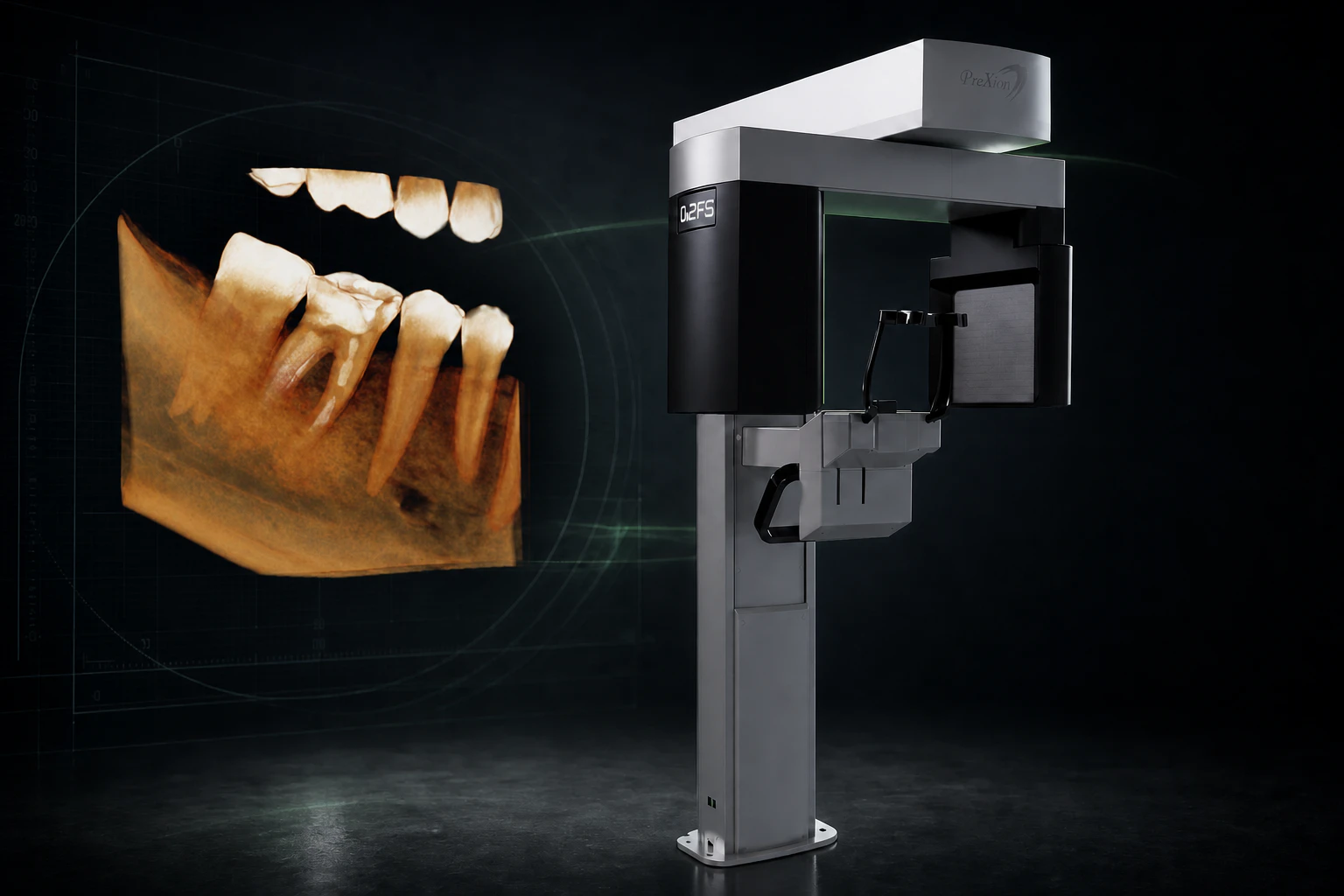
Meet the PreXion Excelsior Endo: The CBCT Built Around Endo Detail
The PreXion Excelsior Endo combines the industry's smallest 0.2 mm focal spot, a 48 µm Endo mode, flexible fields of view, and world-class support.
Summer finance specials — 0% for 12 months on DC-Air™, and rates as low as 4.99% on 2D & 3D imaging.See summer specials
Resources
Everything we've learned equipping practices since 2003 — written for buyers, not for search engines.
The PreXion Excelsior Endo combines the industry's smallest 0.2 mm focal spot, a 48 µm Endo mode, flexible fields of view, and world-class support.
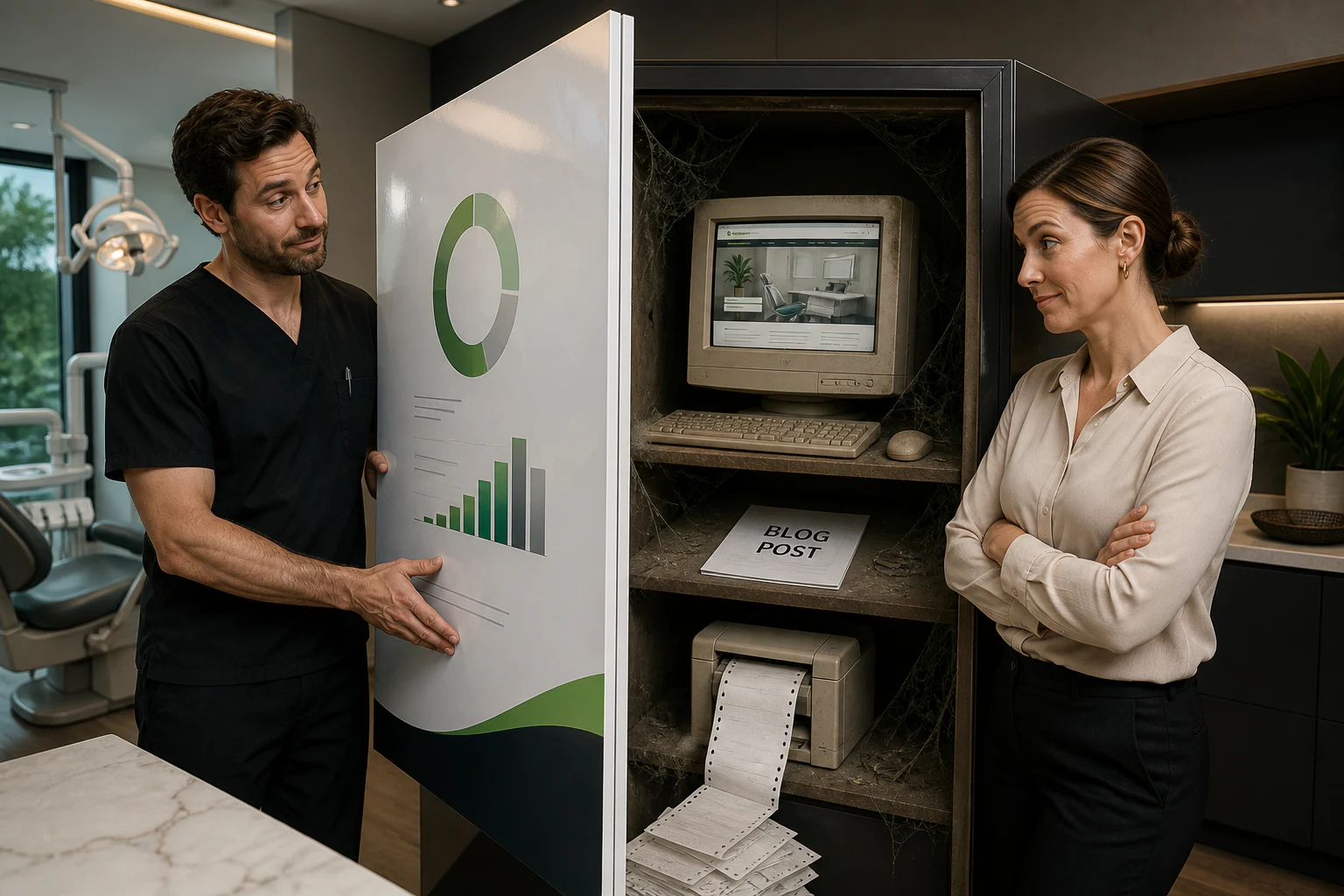
Most dental practices rent their website and marketing momentum. See how an owned custom site and supervised AI can replace the monthly agency grind.
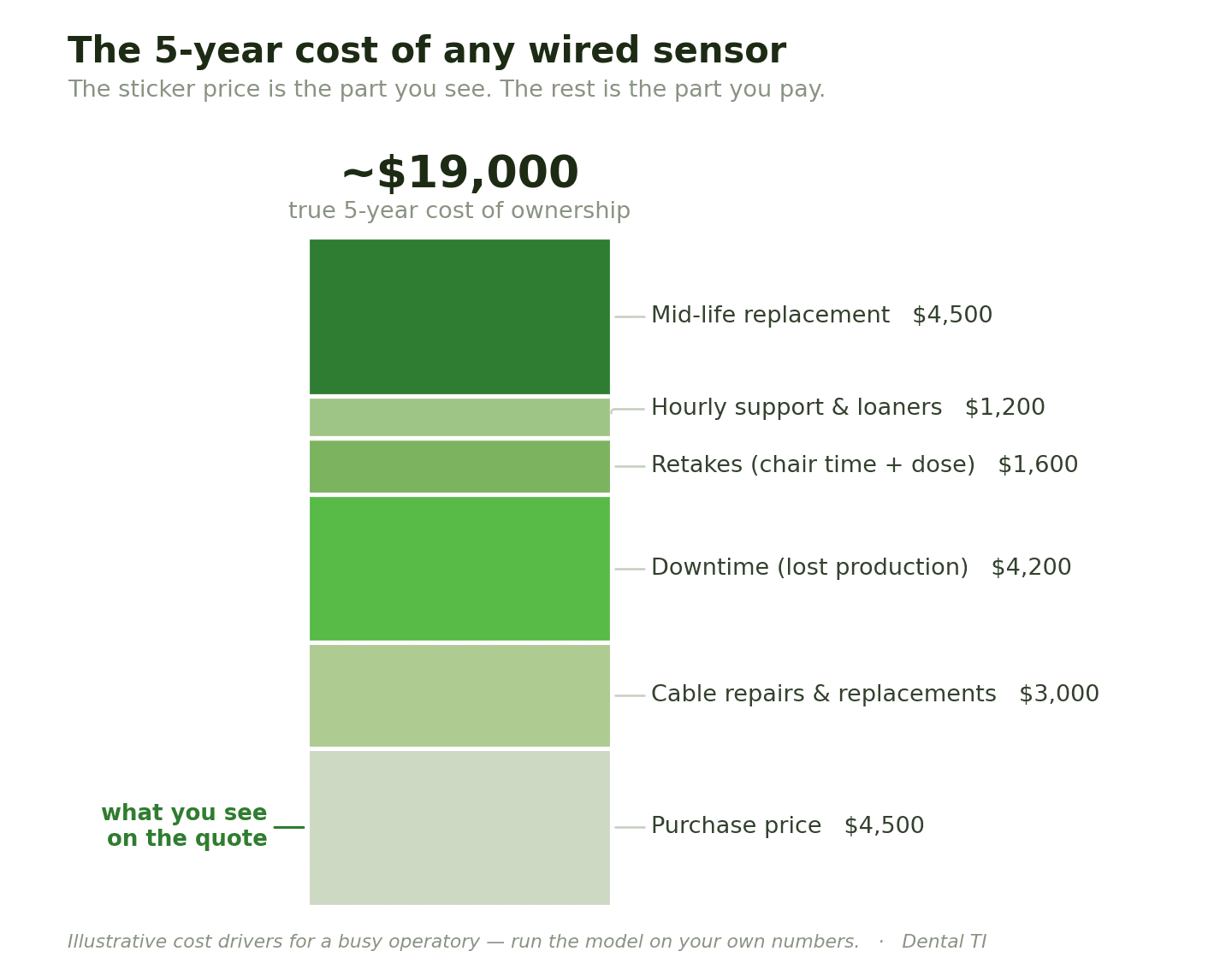
A 34-year dental veteran breaks down the real 5-year cost of a dental X-ray sensor — cable repairs, downtime, and why the cheapest one often costs the most.
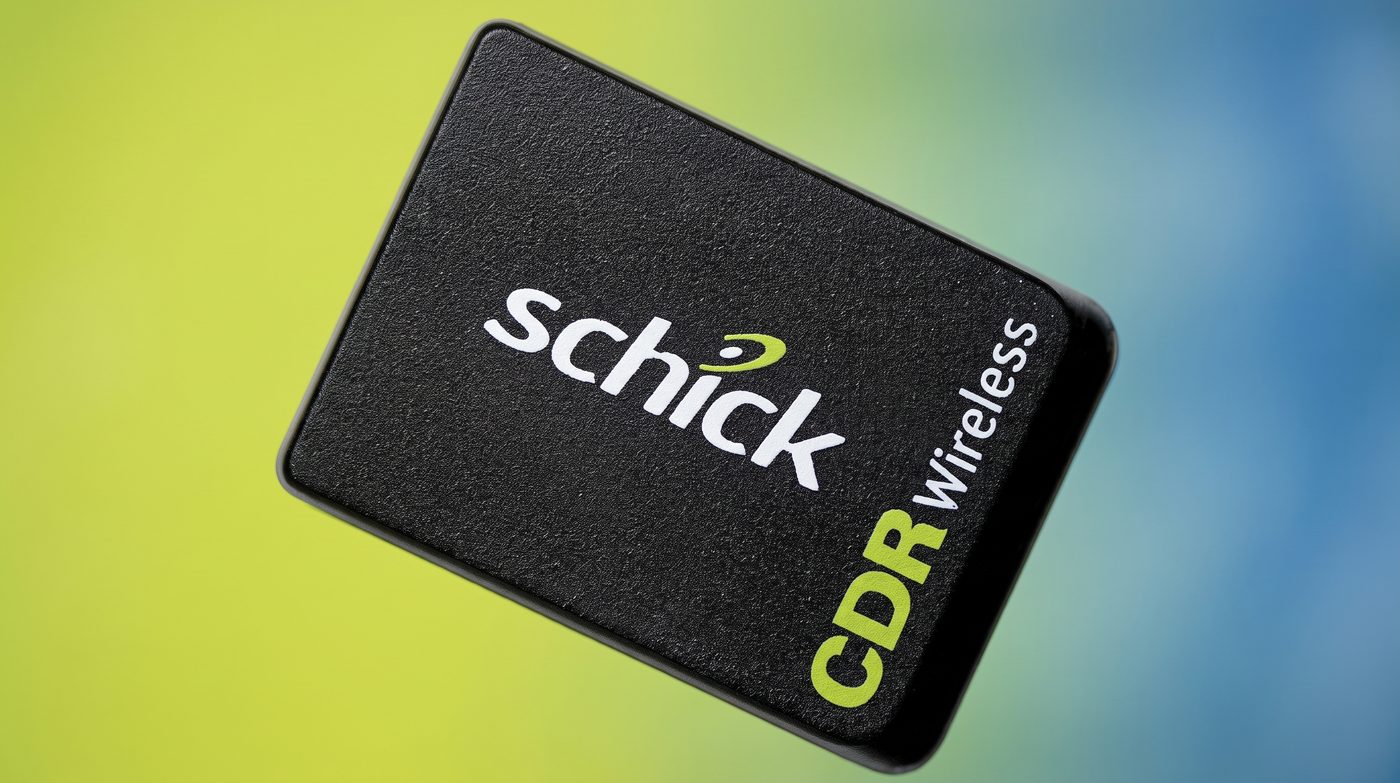
A wireless dental x-ray sensor was tried in the early 2000s and didn't stick. Here's why, and what had to change before DC-Air™ made it work in 2021.
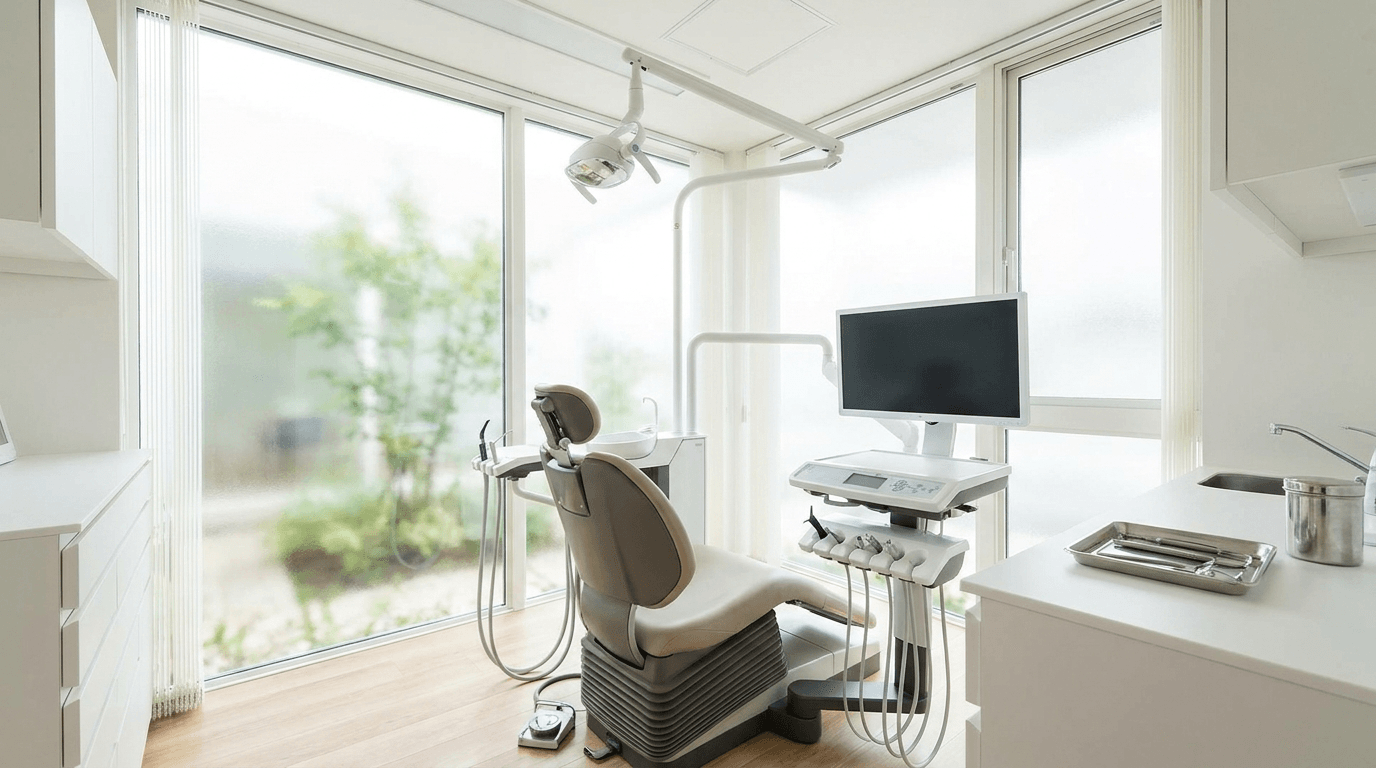
Used dental equipment can be a smart buy or a costly mistake. A practical checklist for warranty, service, software, and dealer risk before you sign.

Weigh leasing, financing, and buying dental equipment outright, and see which financing structure fits your practice's cash flow and ownership goals.
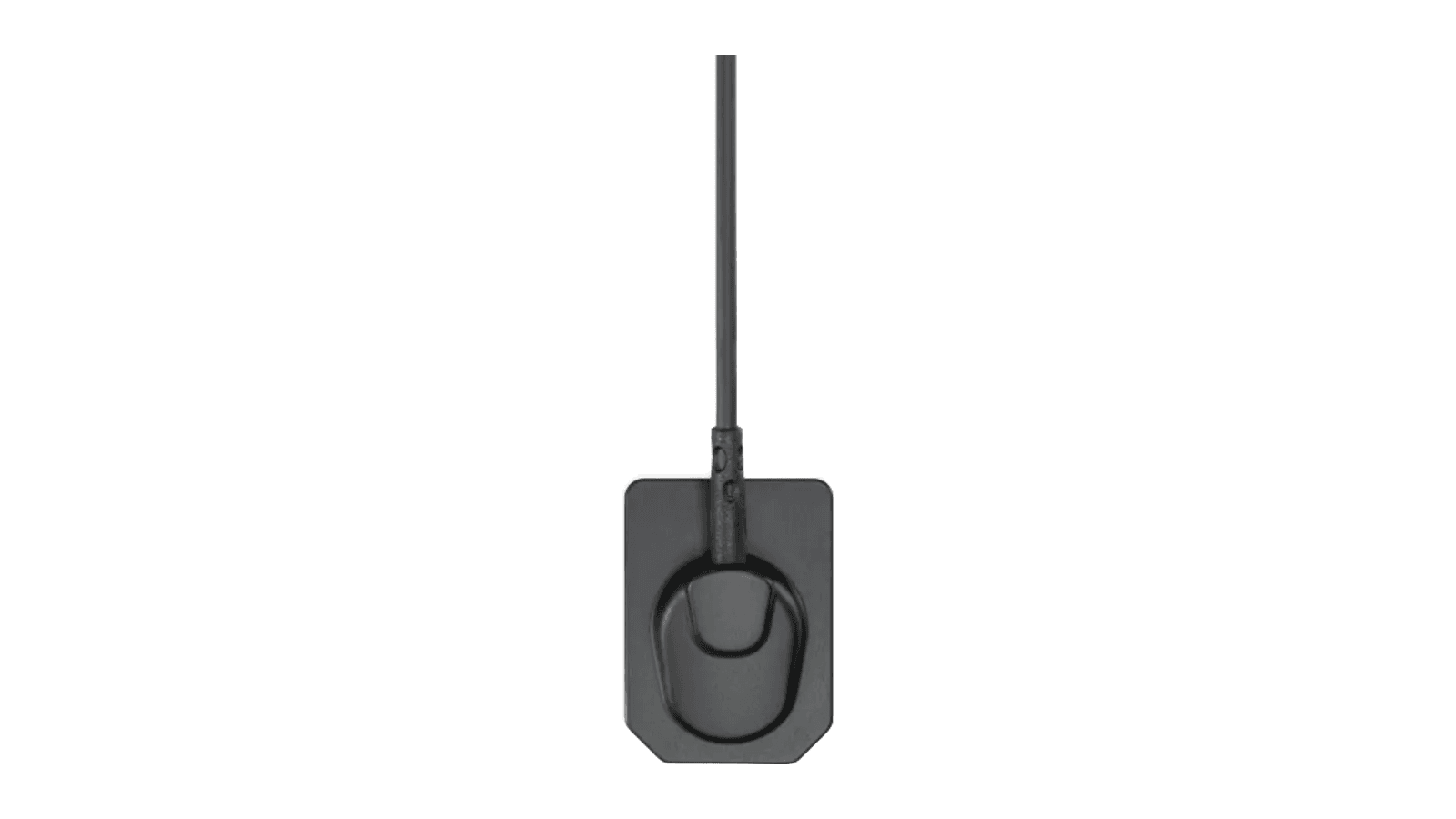
Size 1 vs. Size 2 intraoral sensors: real dimensions, when pediatric sizing applies, and a per-operatory strategy for pairing sizes across your practice.
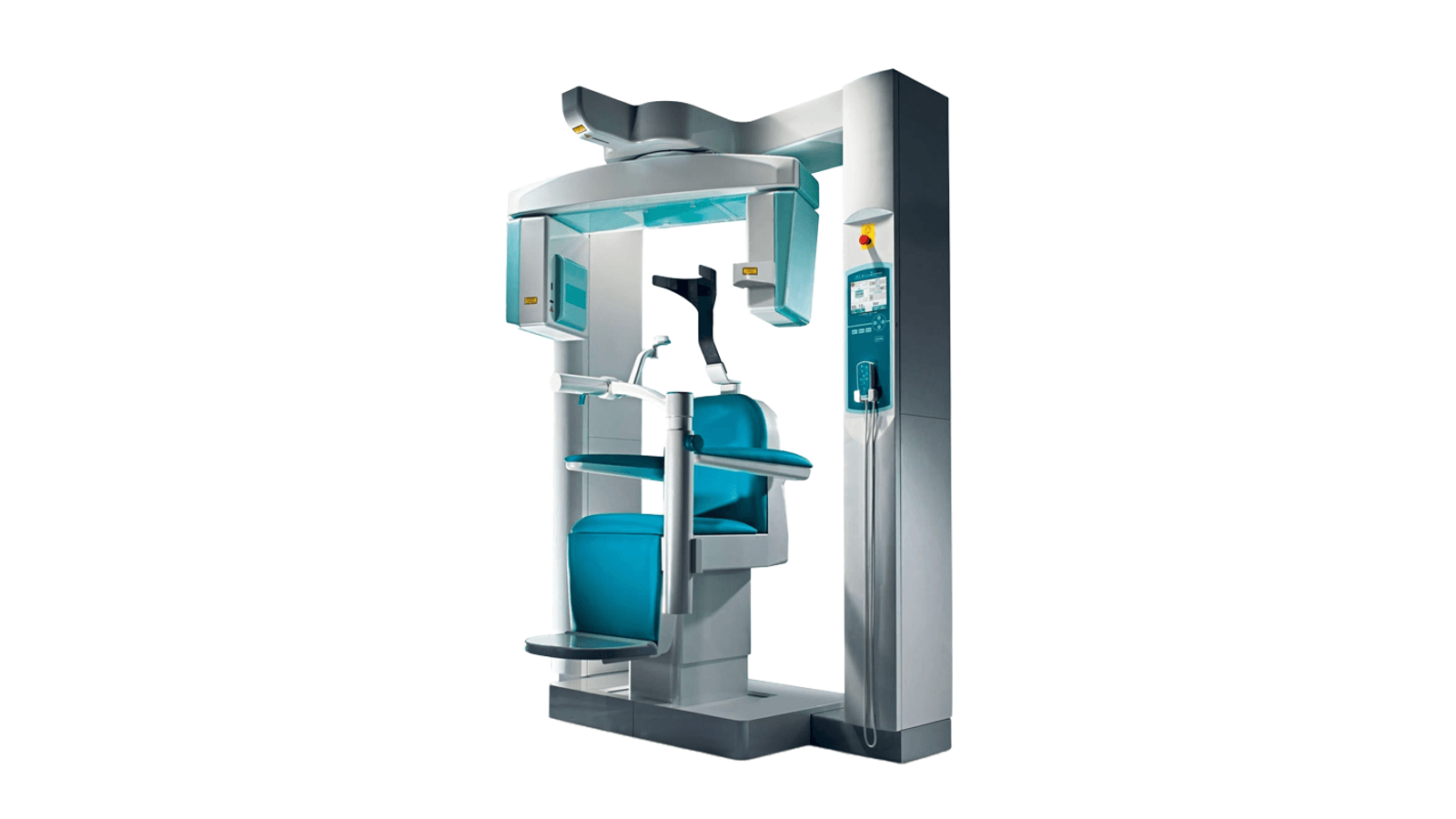
Refurbished CBCT units carry hardware risks new machines don't: tube wear, calibration drift, and licenses that don't transfer to a second owner.
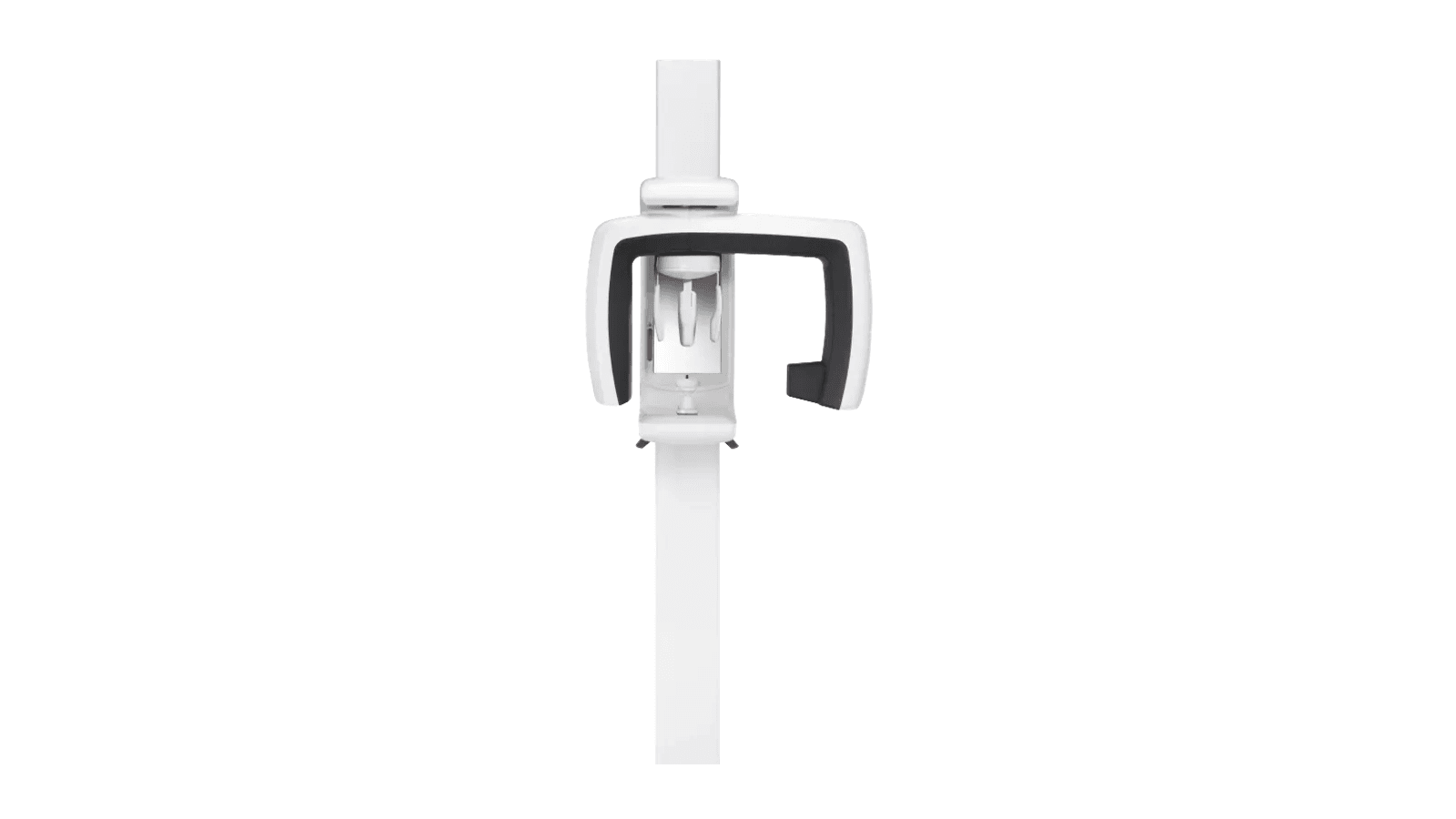
No single panoramic X-ray machine fits every practice. Match your floor plan, ceph needs, and dose priorities to the right unit in this 2026 buyer's guide.
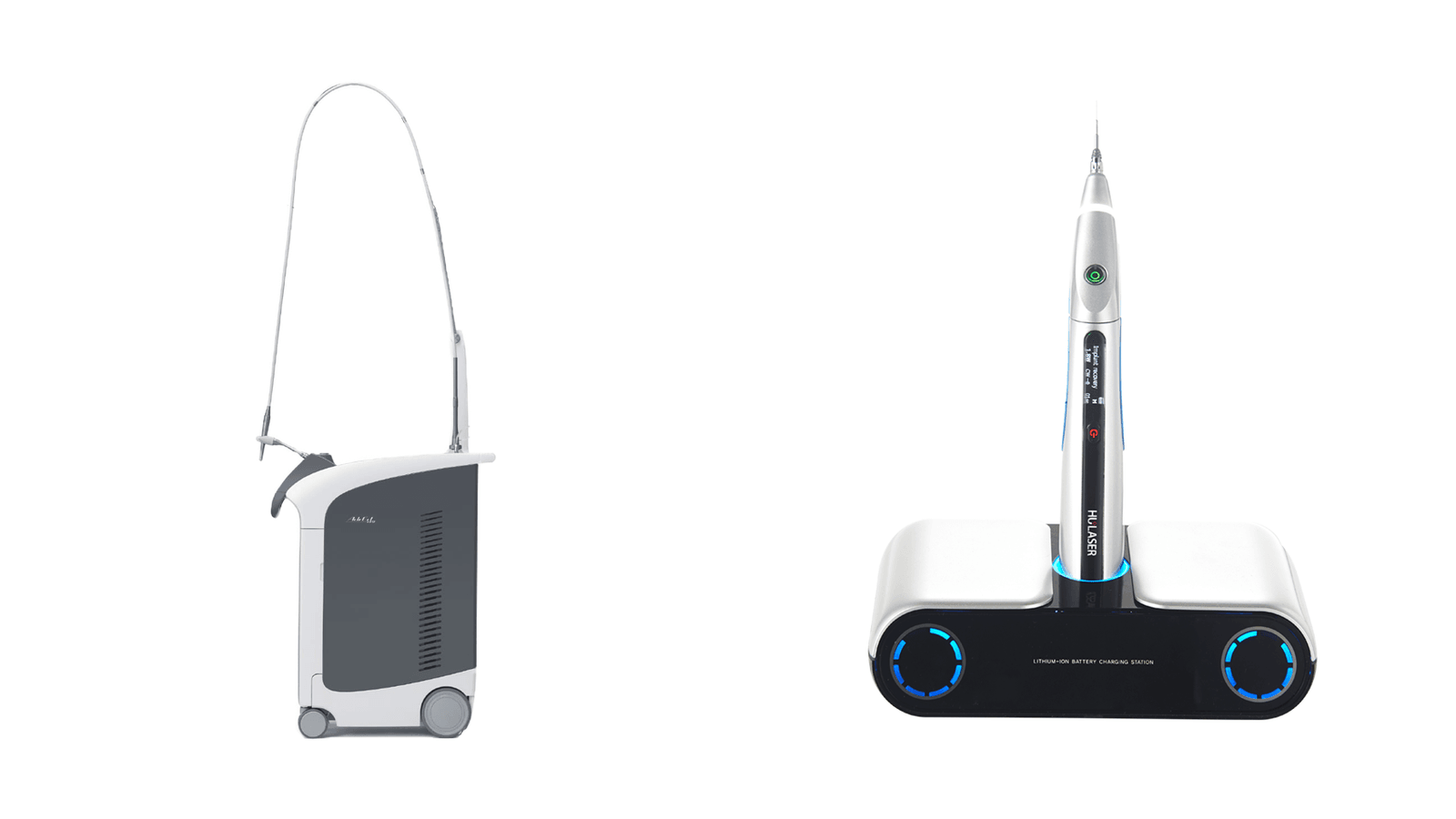
Diode and Er:YAG dental lasers aren't interchangeable. Compare wavelengths, tissue capability, and use cases to see which fits your practice.
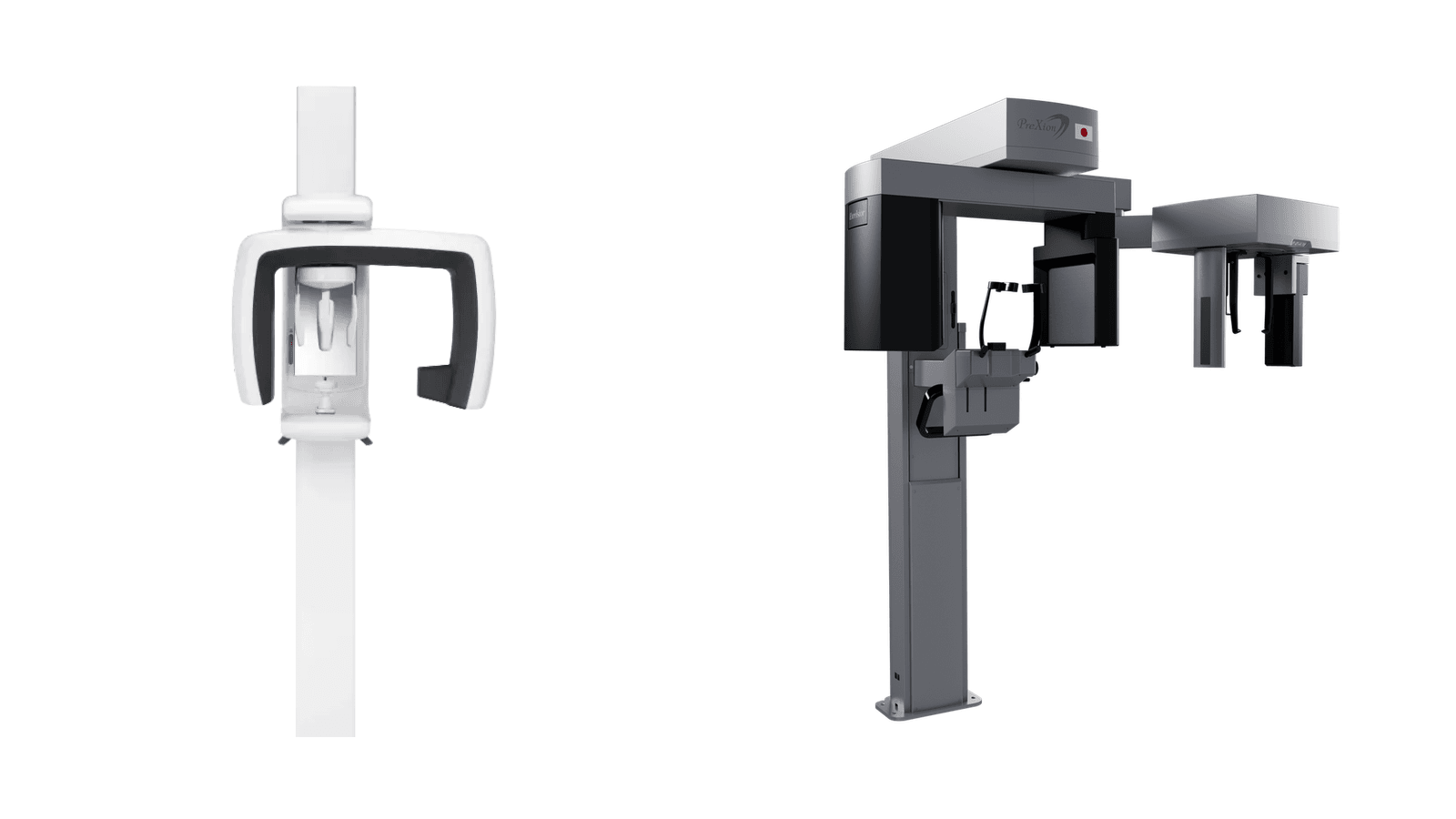
Building imaging from zero? Compare panoramic X-ray and CBCT by case mix, referral pattern, and budget to decide which your practice should buy first.
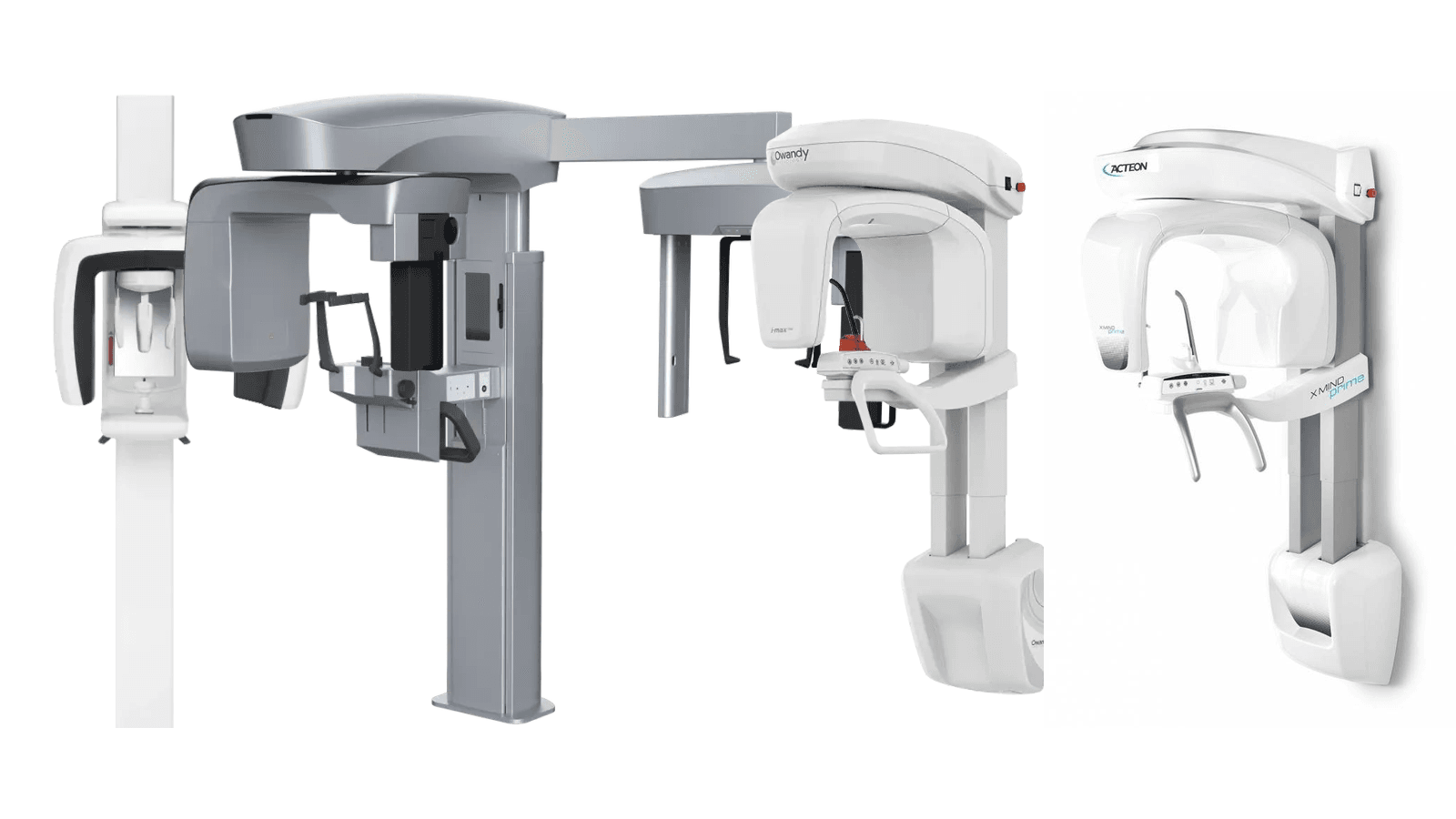
Compare PreXion, J. Morita, Owandy, and ACTEON panoramic X-ray units on footprint, ceph options, 3D upgrade paths, and dose to find the right fit.
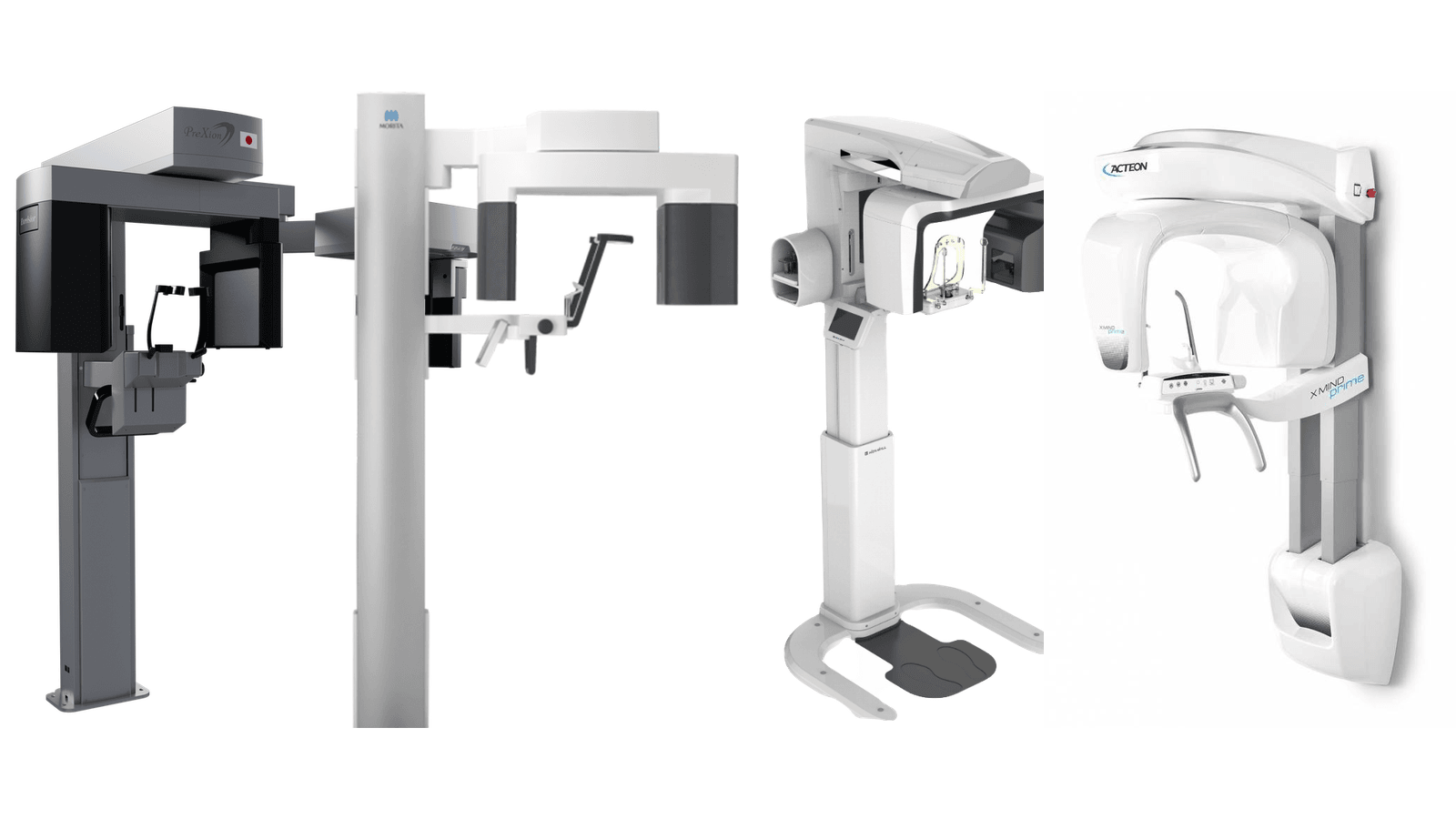
PreXion, J. Morita, HDX Will, and ACTEON CBCT compared on field of view, voxel size, warranty, and footprint to help you pick the right fit.
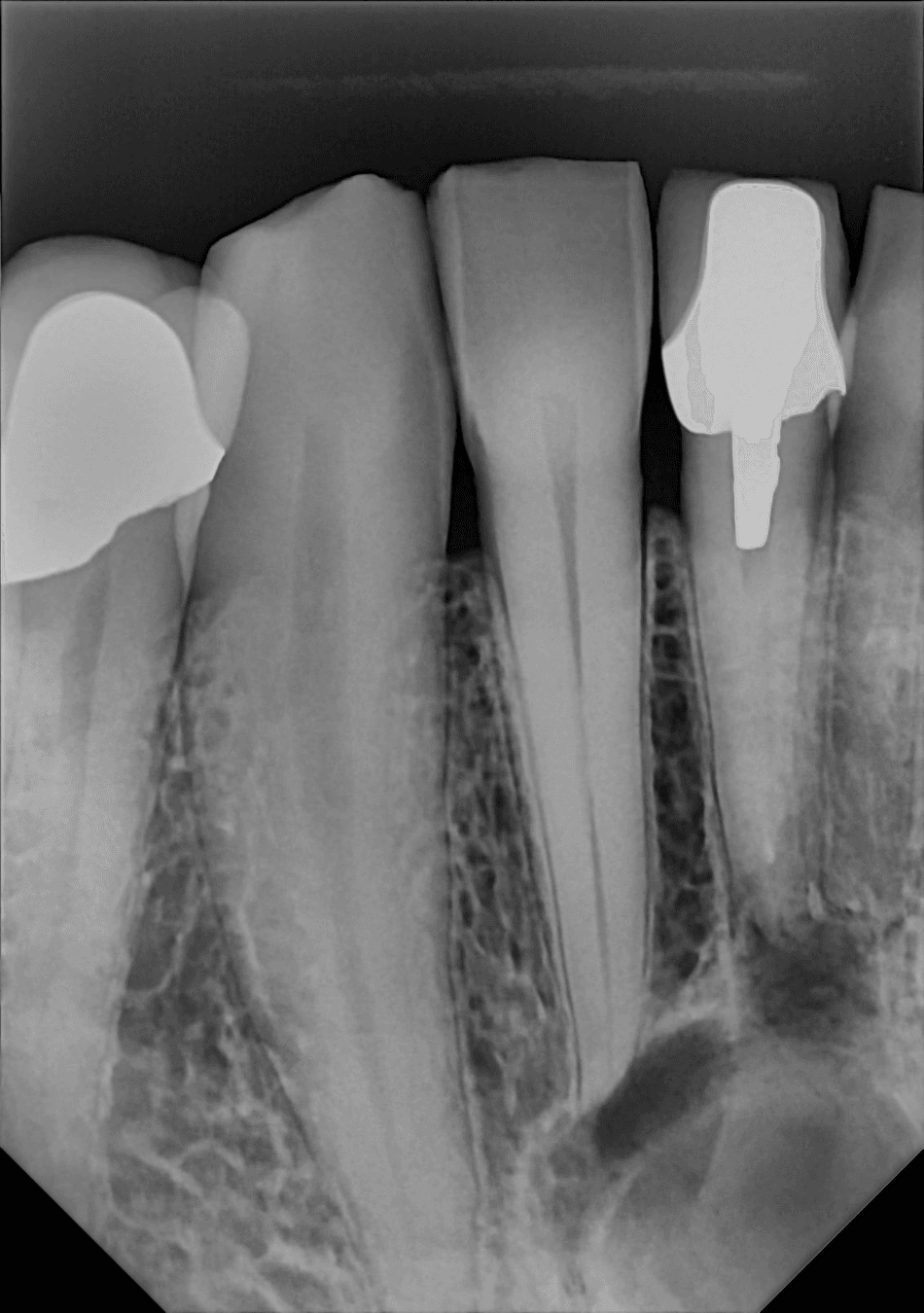
A 34-year dental industry veteran on why the number on the X-ray dial isn't the dose — and why resolution, not exposure time, makes the diagnosis.

The DC-Air™ WatchDog™ turns the wireless sensor into a complete radiology system: live dashboard, proactive alerts, KPI reports, and an FTG Protection Plan.
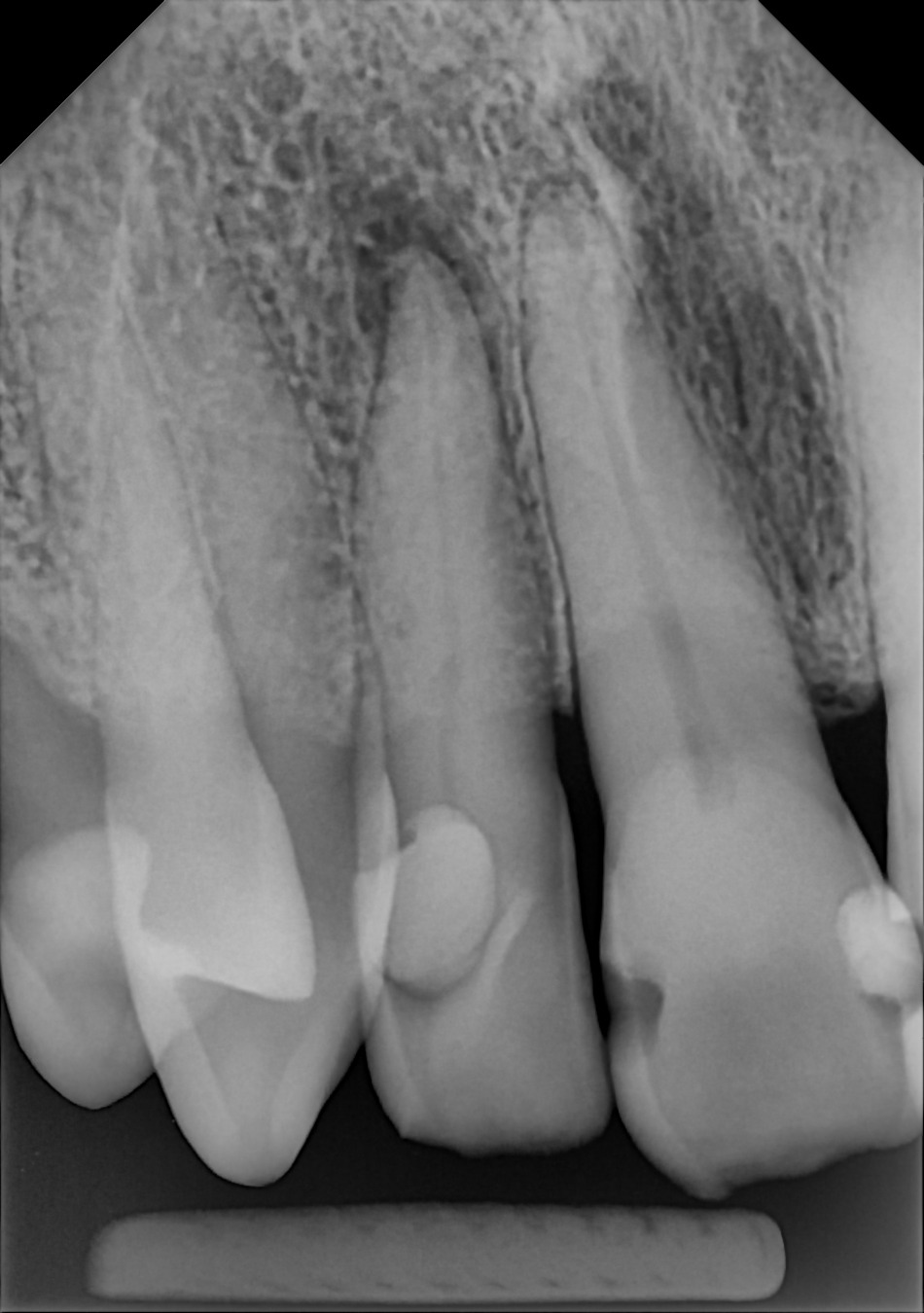
High MTF is ROI: how the DC-Air™ direct conversion sensor turns unfiltered image accuracy into early treatment, patient comfort, and lower repair costs.
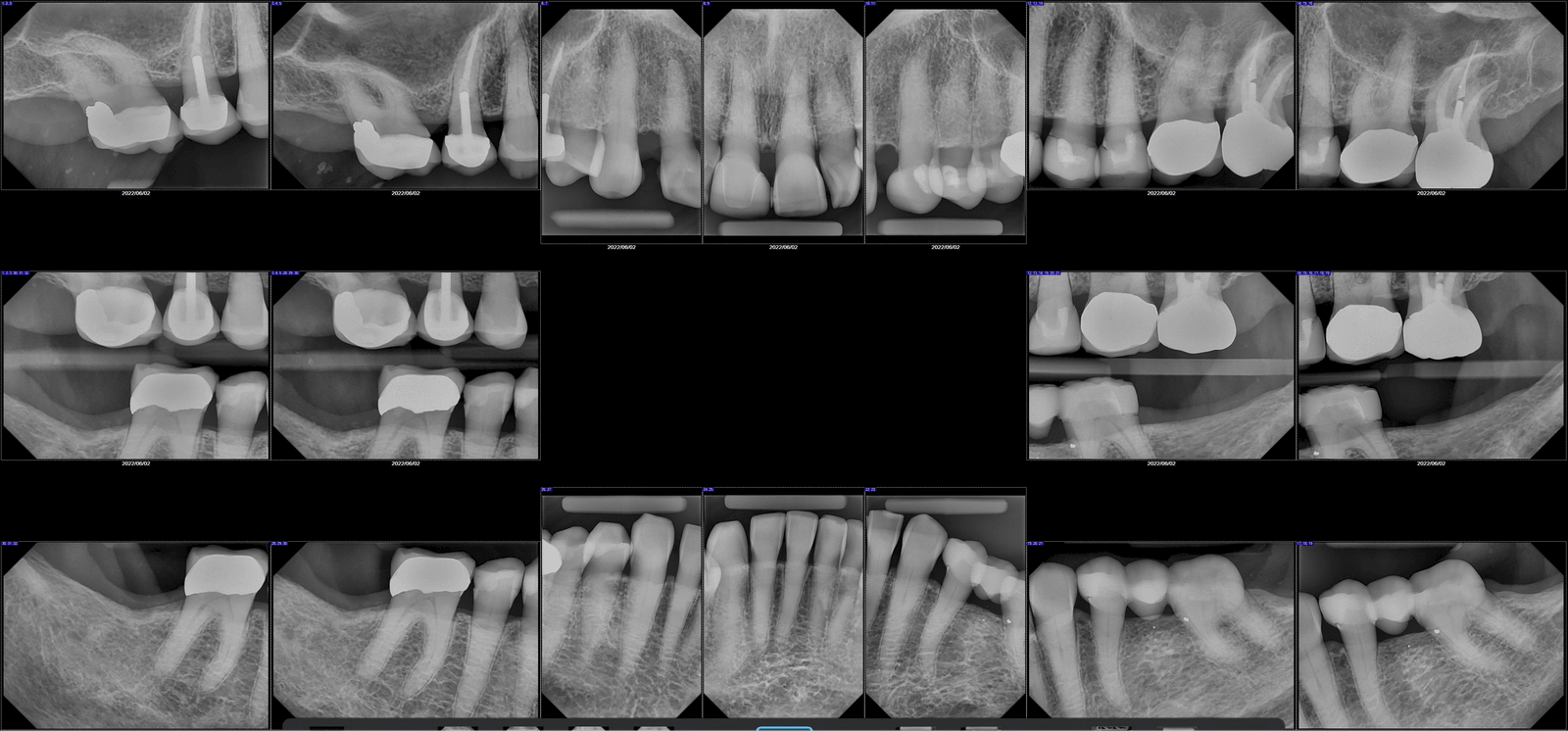
The DC-Air™ is the highest-MTF dental X-ray sensor in its class — direct conversion that shows film-like detail, unenhanced, not sharpened.
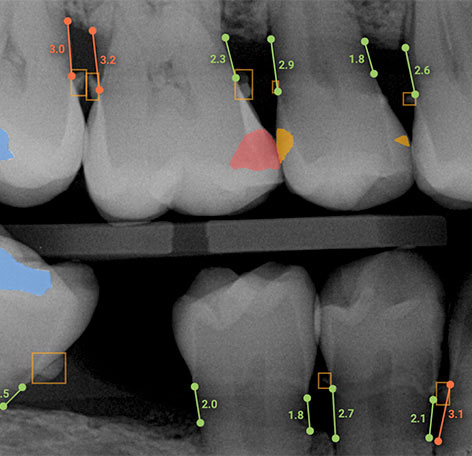
AI dental radiograph reading is limited by the sensor that captures the image. Direct Conversion CMOS fixes the garbage-in-garbage-out problem at its source.
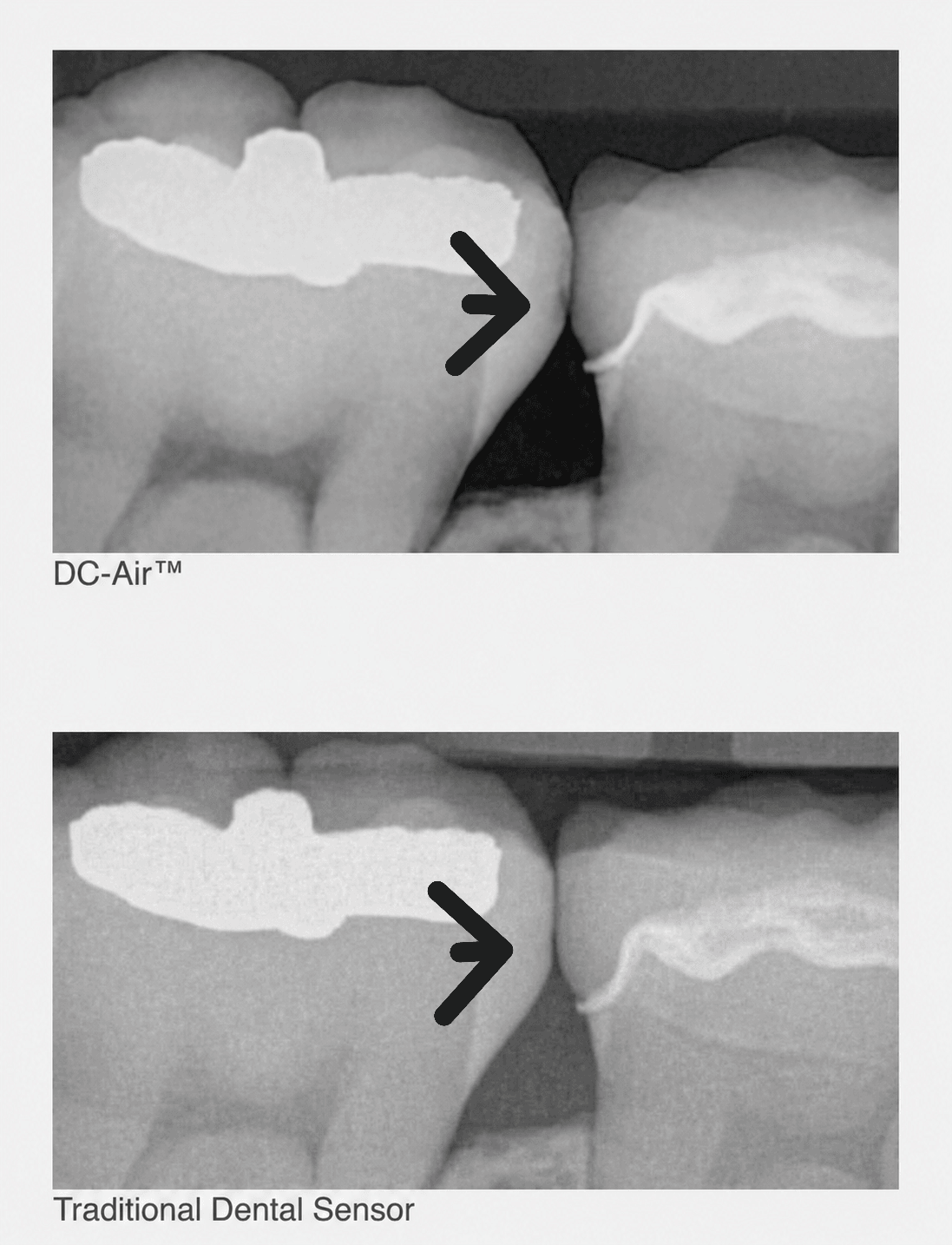
DC-Air wireless sensor uses Direct Conversion to replace blurry, filtered images with clear native anatomy, turning watches into confident diagnoses.
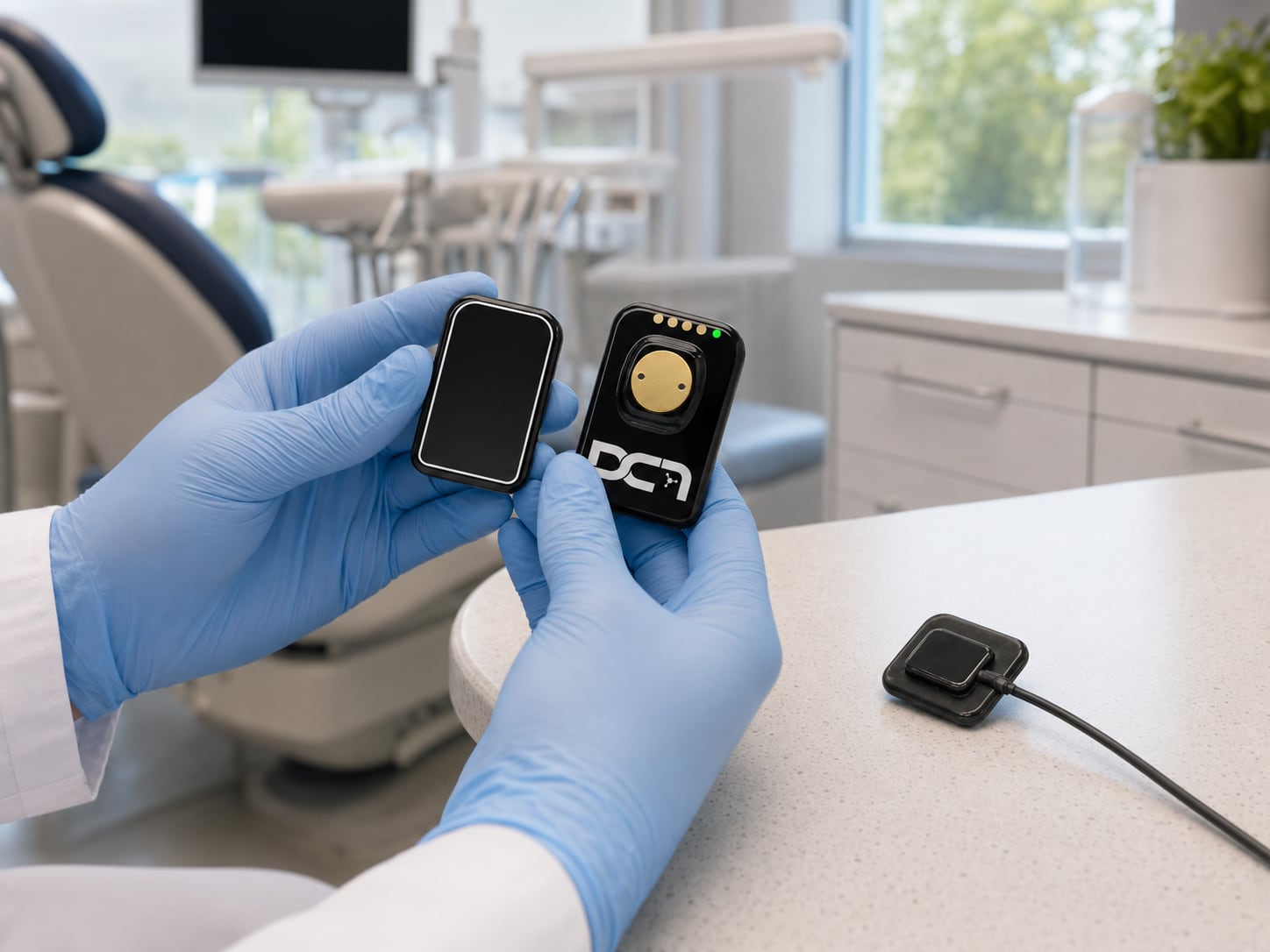
A dental x ray sensor replacement guide for practices comparing repair vs replacement, costs, compatibility, workflow impact, and support.
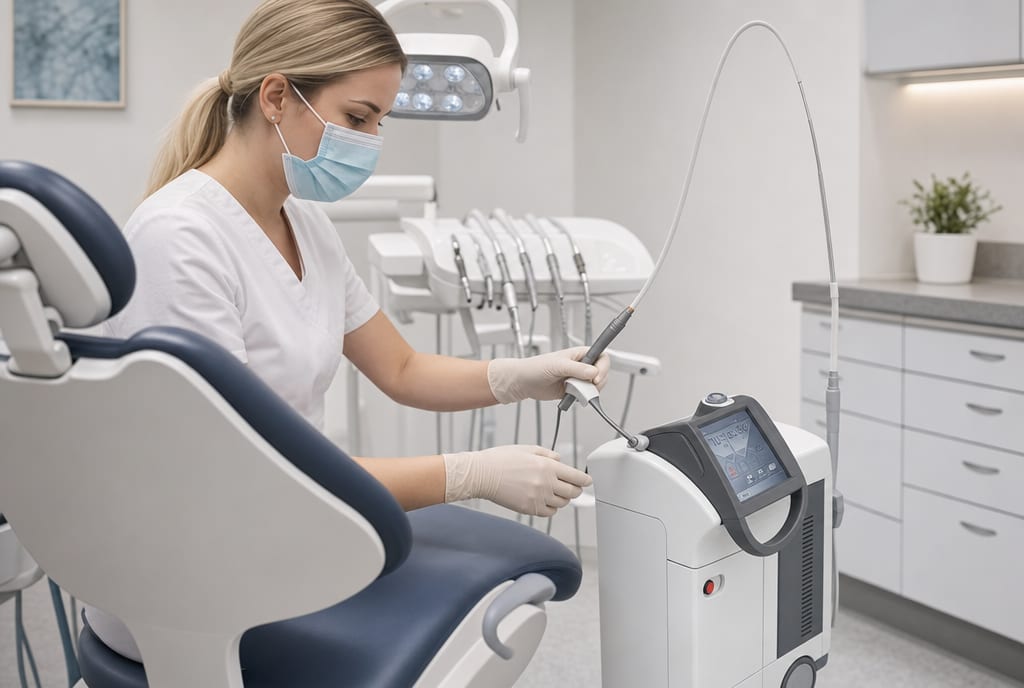
Looking for the best dental laser for soft tissue? Compare wavelengths, workflow, ROI, and support to choose the right system for your practice.
Thinking of buying a handheld dental X-ray unit? Compare battery life, weight, and safety specs for pediatric and mobile dentistry.
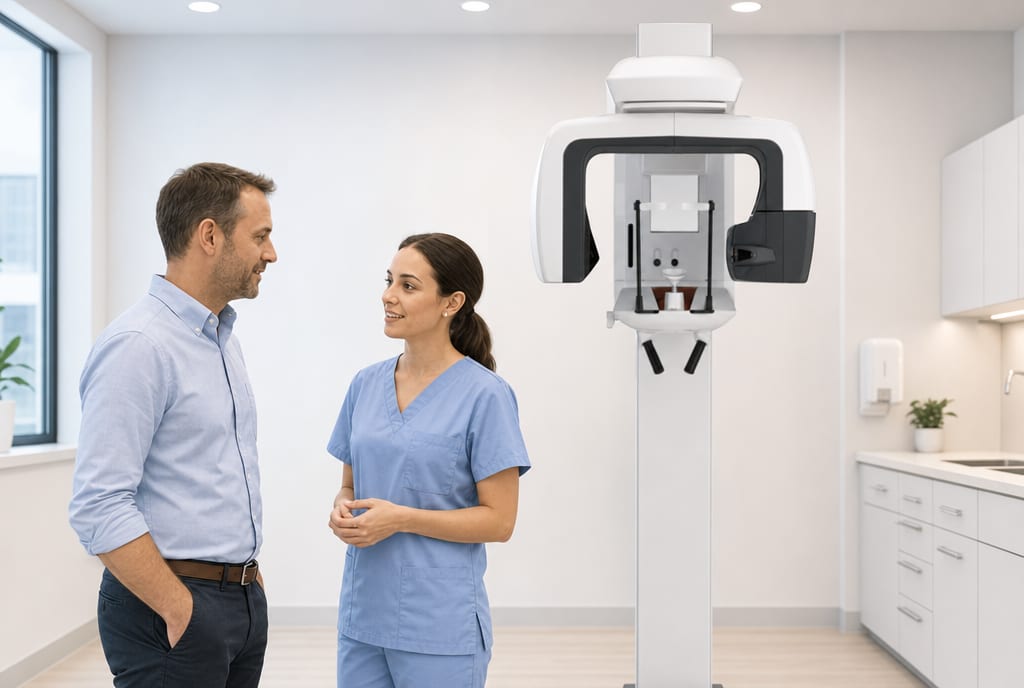
Learn what drives 2d panoramic x ray machine cost, typical price ranges, hidden expenses, and how to choose the right system for your practice.
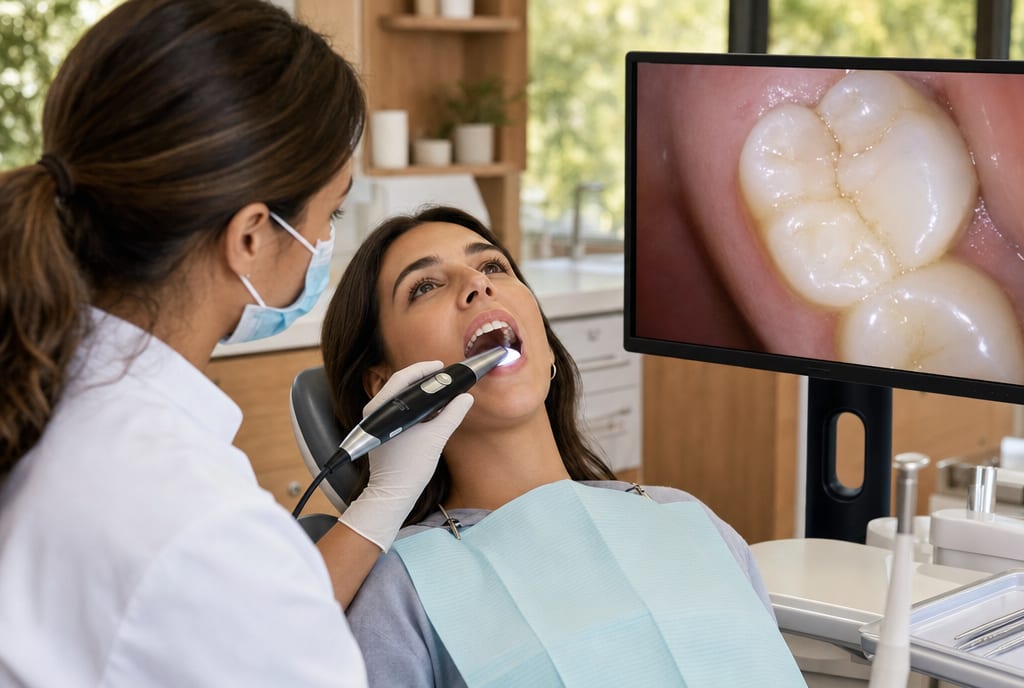
See how an intraoral camera for patient education improves case acceptance, trust, and workflow with clearer visuals and stronger team communication.
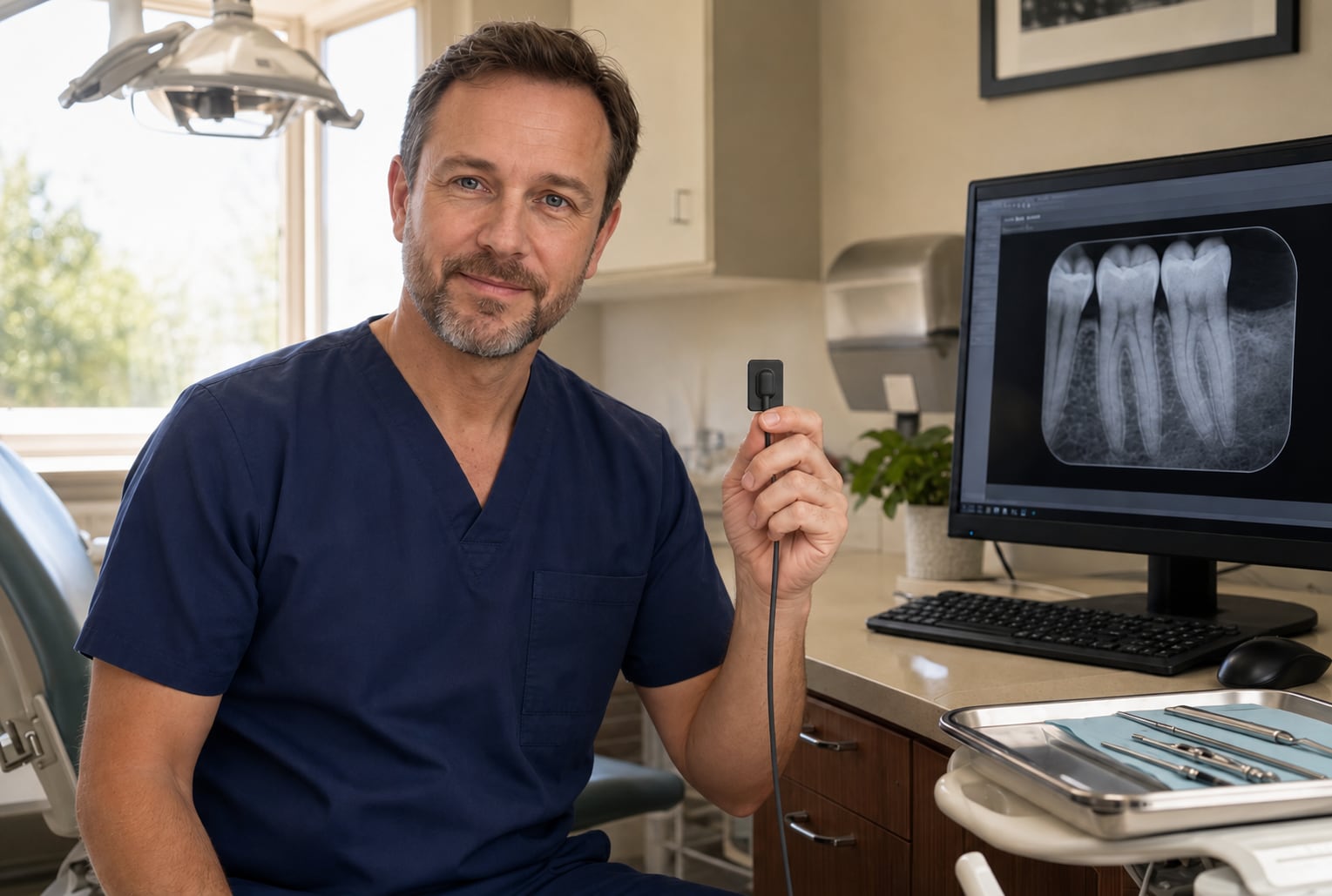
Find the best intraoral sensor for small practice needs with practical buying advice on image quality, durability, fit, software, support, and ROI.
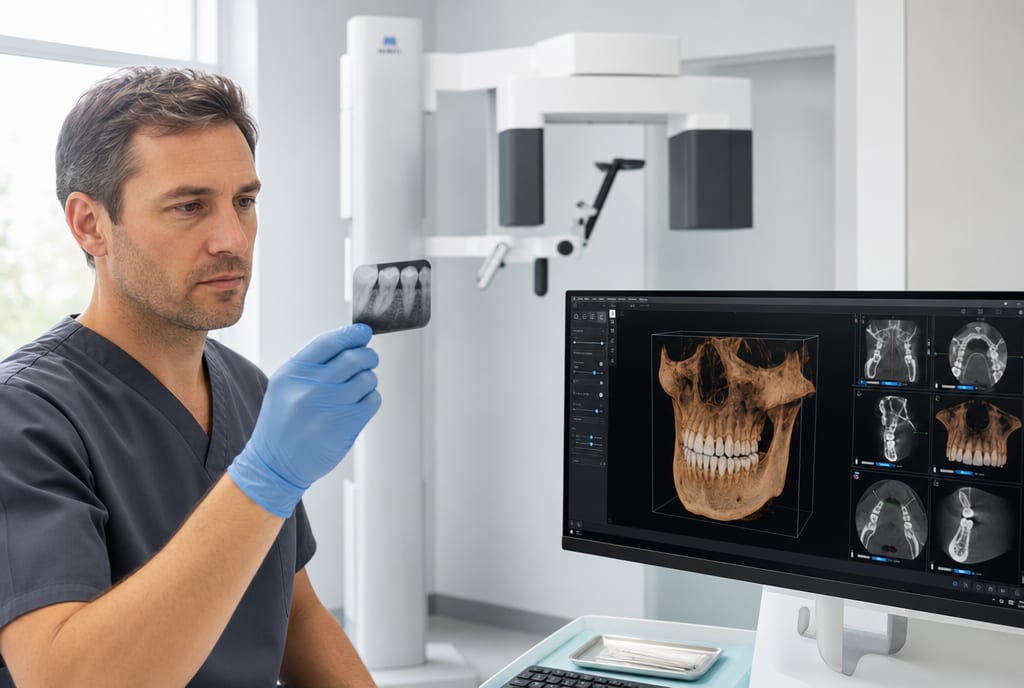
Is a dental CBCT machine right for your practice? Compare 2D vs. 3D imaging for implants, endo, and airway. Learn how to assess your ROI and IT infrastructure.
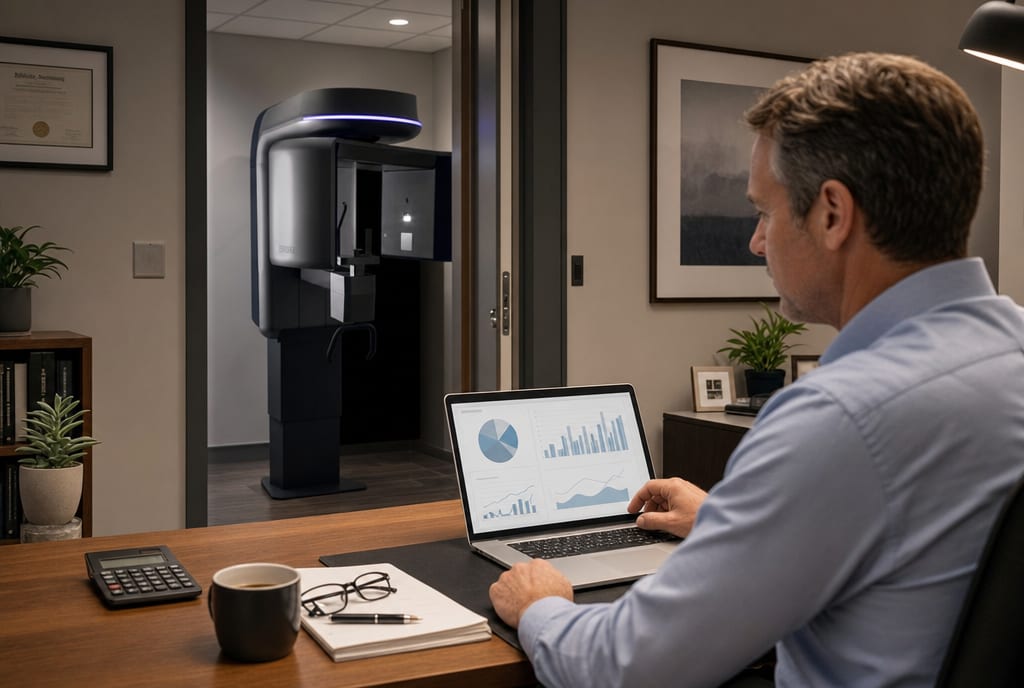
Understand cbct machine roi for dental practice with real cost drivers, revenue factors, workflow gains, and the support needed to see returns.
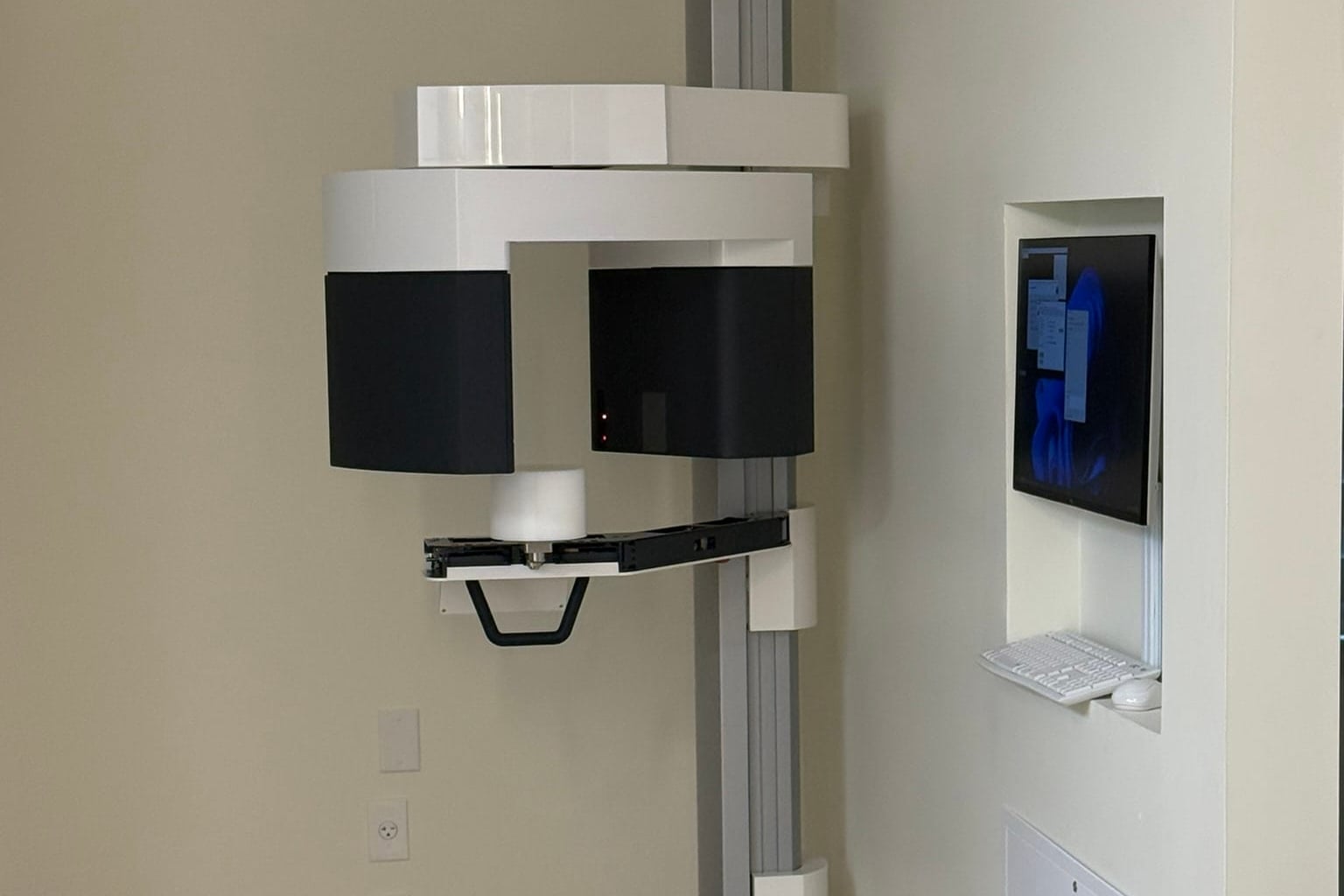
Wondering about dental CBCT machine costs? In 2026, most units range from $50k-$150k. Learn about price tiers, hidden IT costs, and how to calculate your ROI.
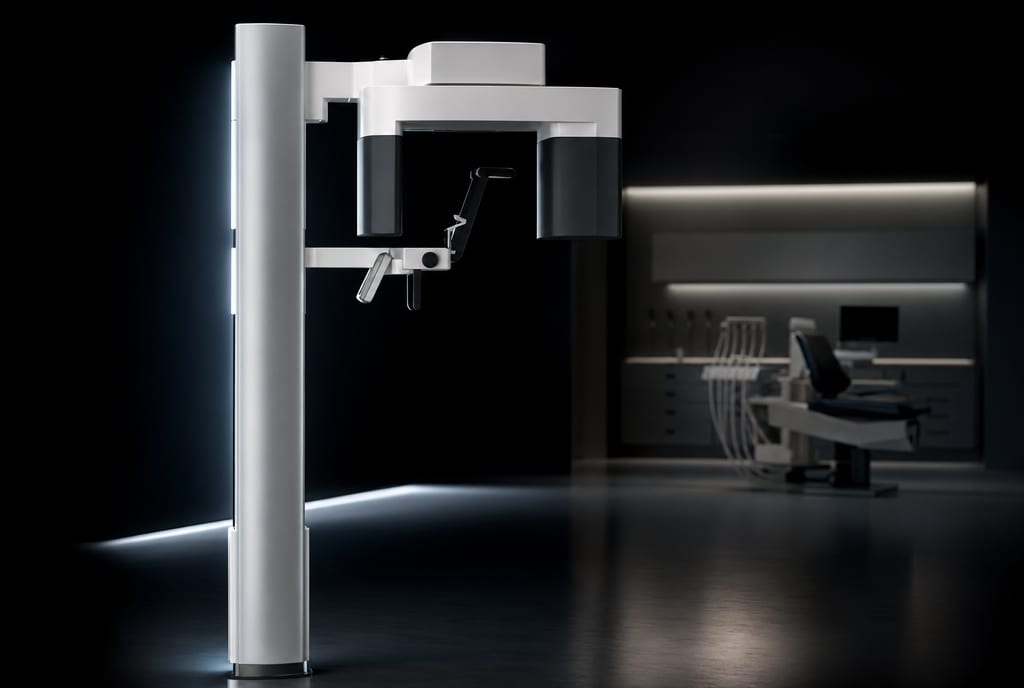
Score exclusive AAE 2026 deals on J Morita CBCT systems & intraoral sensors. Join Dental TI’s virtual event April 15–18 for expert demos and special pricing.
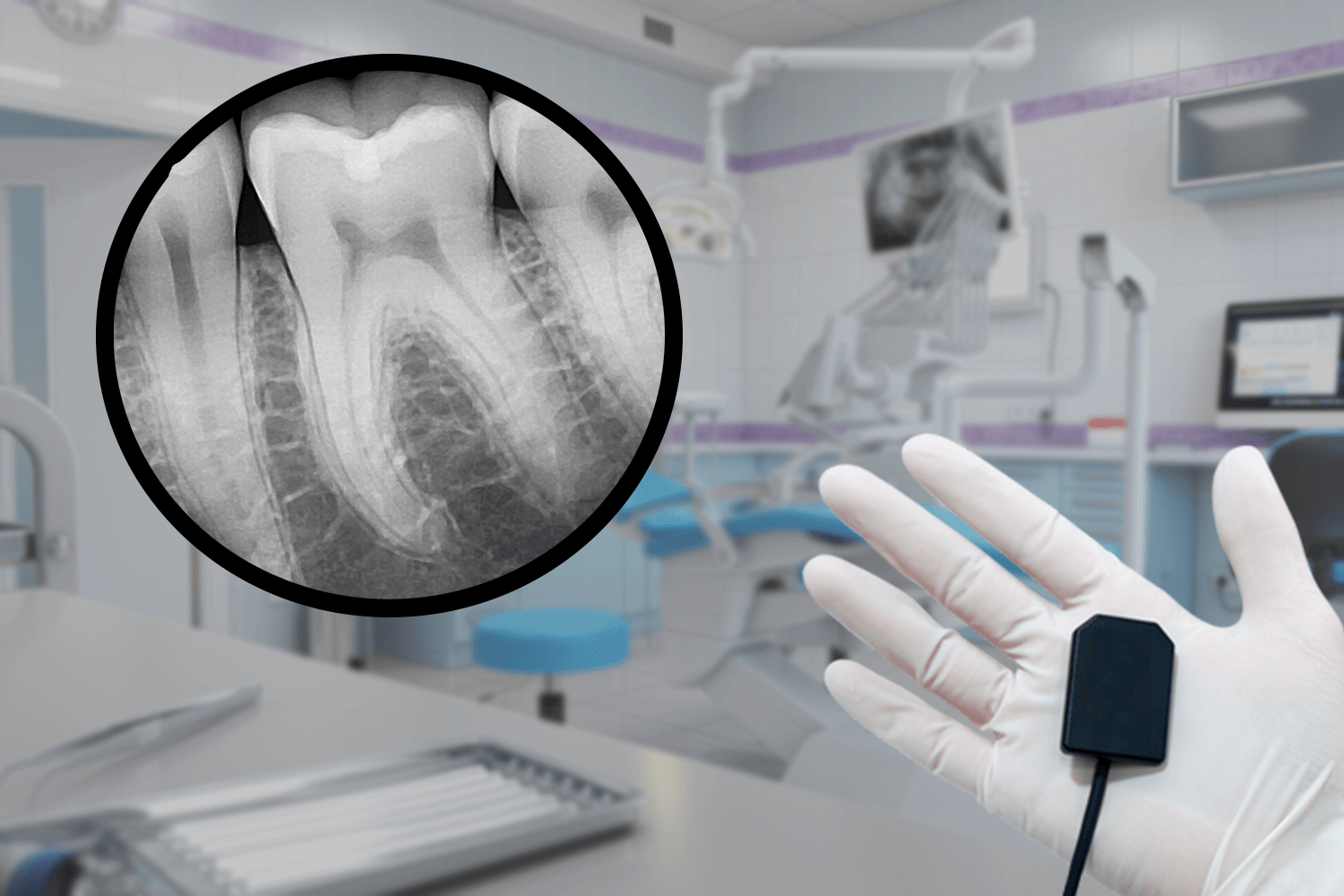
Wired dental X-ray sensor failures follow predictable patterns. See real costs for replacements, repairs, and lost production, plus a 30-minute audit.
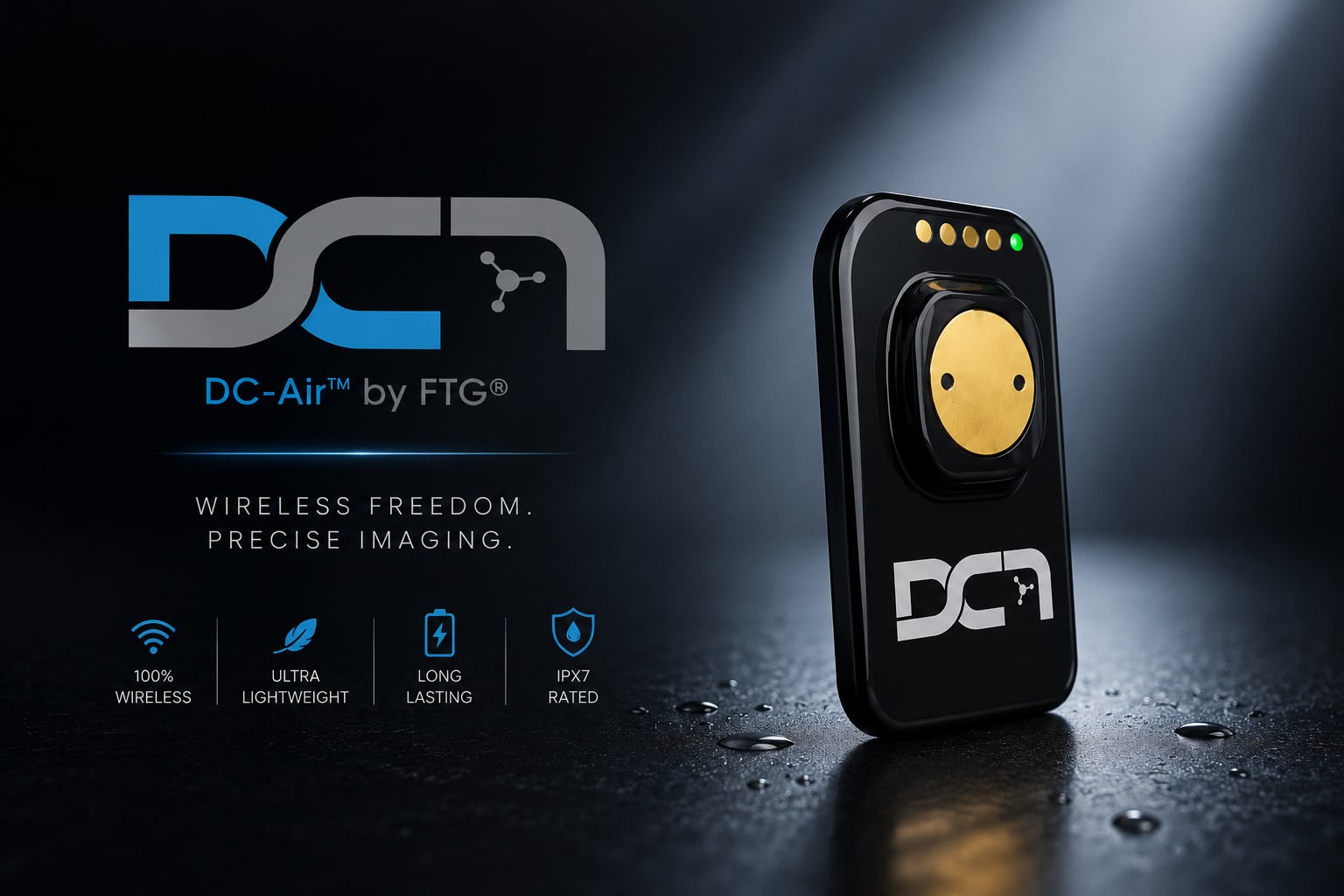
What direct-conversion capture, cordless operation, and an IP67-sealed body actually mean for a practice choosing the DC-Air™ intraoral sensor.
Master dental software with our comprehensive training guide. Learn essential skills to improve your practice's efficiency.
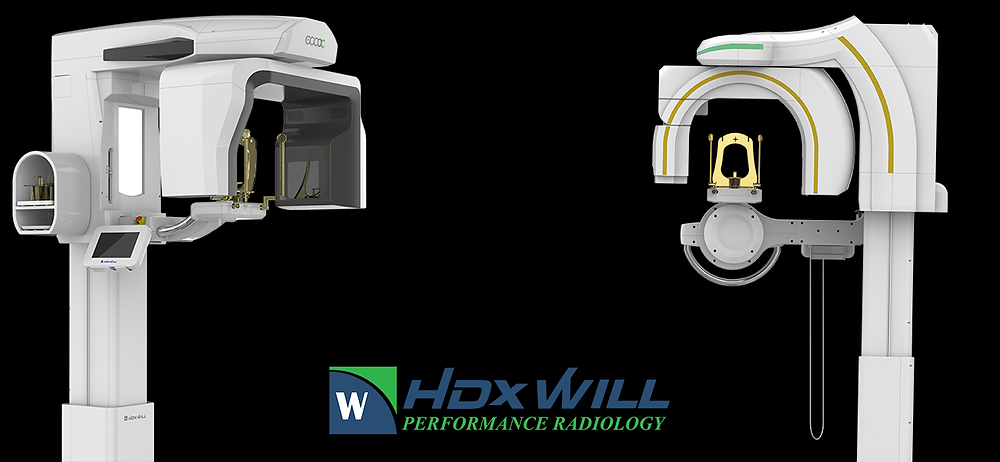
A guide to the HDXWill Eco-X and Dentri Max CBCT systems from Dental TI: specs, imaging technology, and why to buy from an authorized dealer.
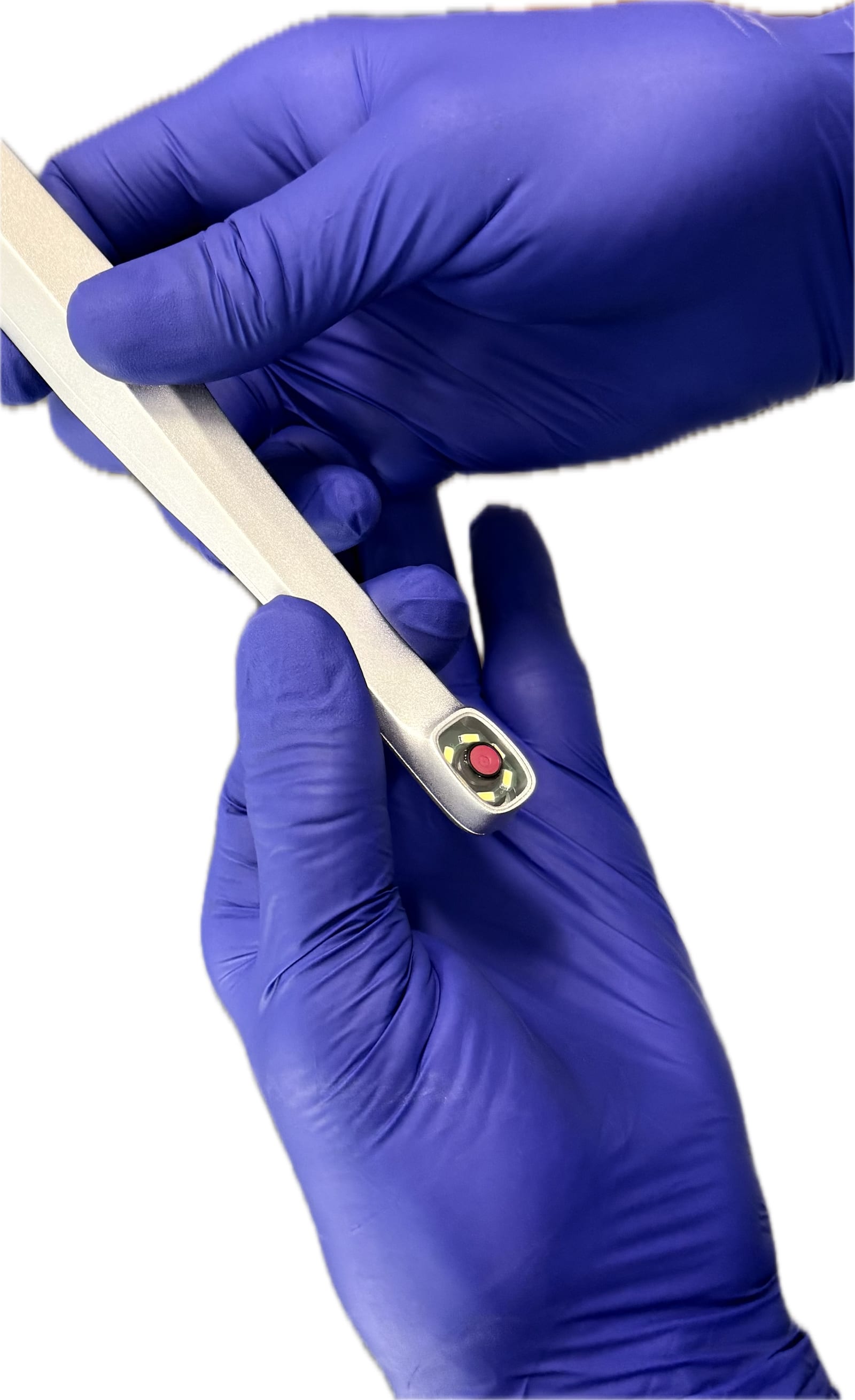
In the rapidly advancing field of dental radiology, mastering the art of image acquisition is essential for delivering precise and reliable diagnoses.

Show, tell, and treat dentistry: using intraoral cameras, X-rays, and CBCT to walk patients through findings, build trust, and raise case acceptance.
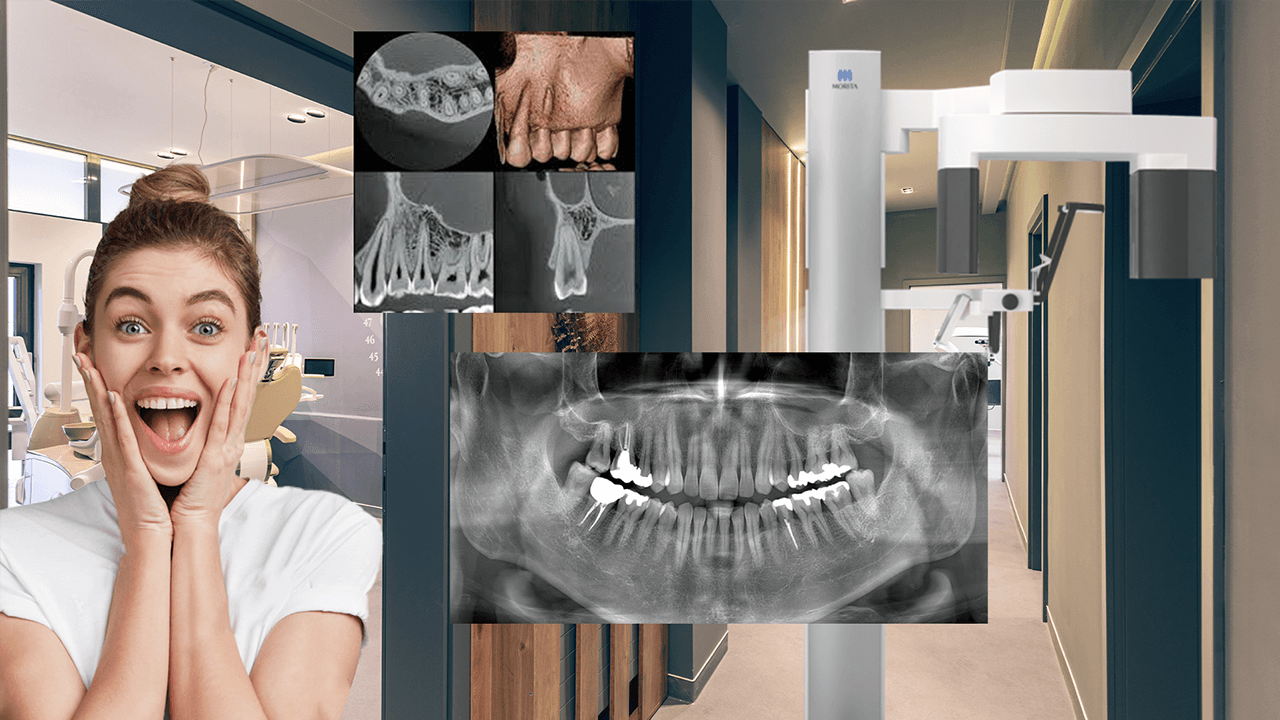
Learn how to optimize the J. Morita X800 for high-quality panoramic and CBCT scans — machine settings, positioning tips, and troubleshooting.
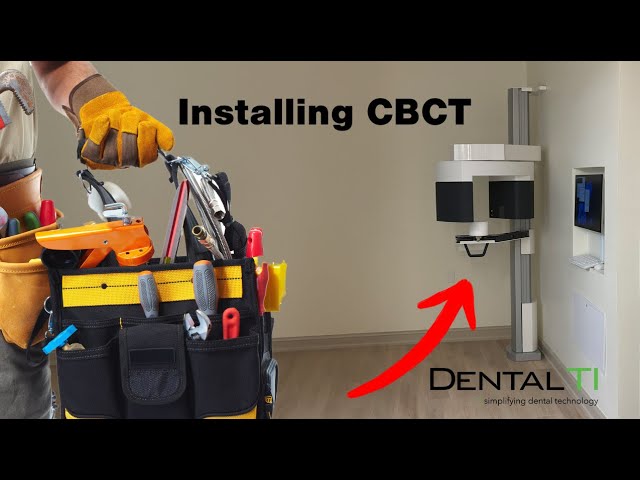
CBCT machine installation: five factors that matter, from strategic placement and precision leveling to discreet wiring and component integration.
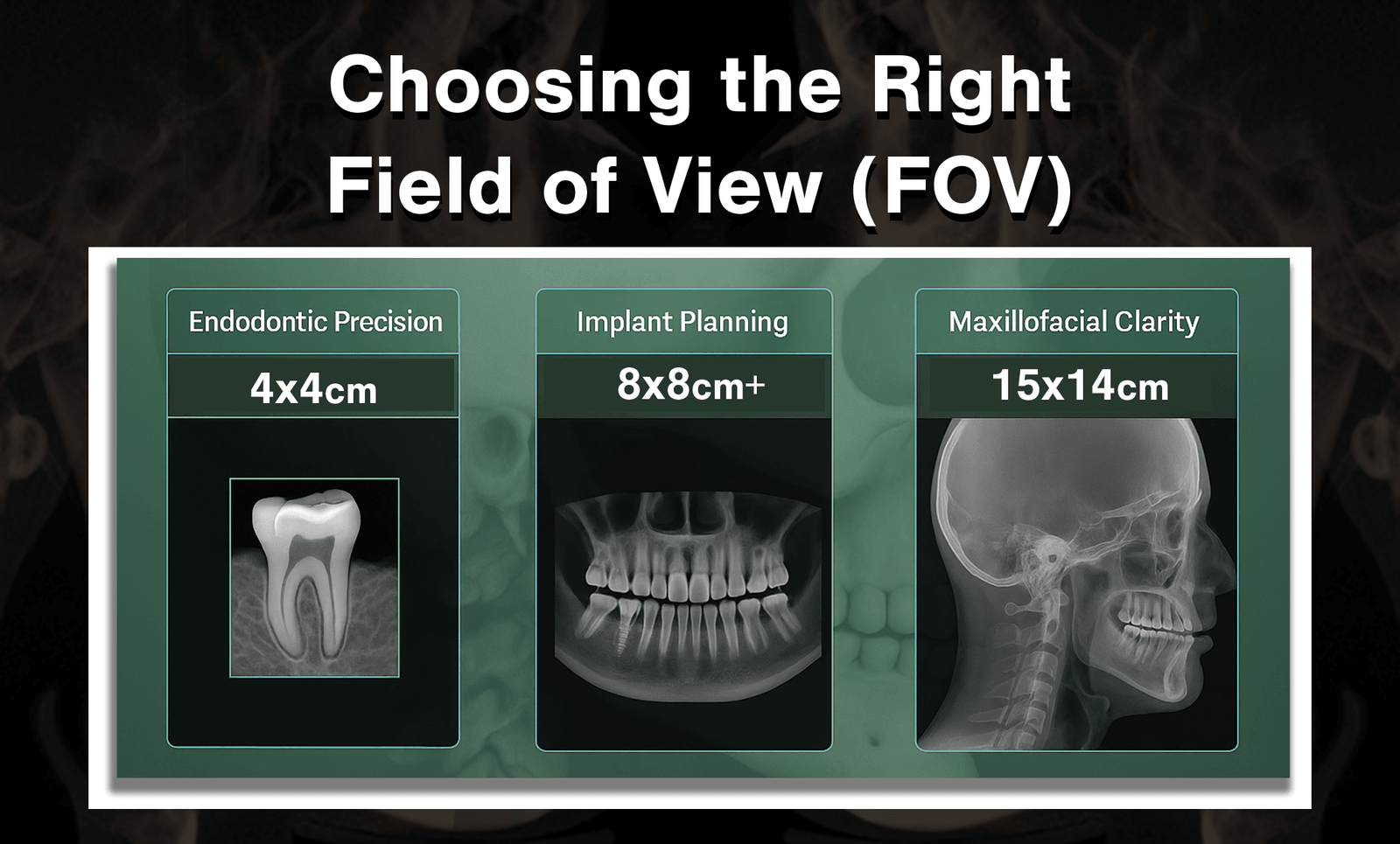
CBCT field of view (FOV) guide: compare small, medium, and large FOV sizes and how each affects diagnostic accuracy, radiation dose, and workflow.
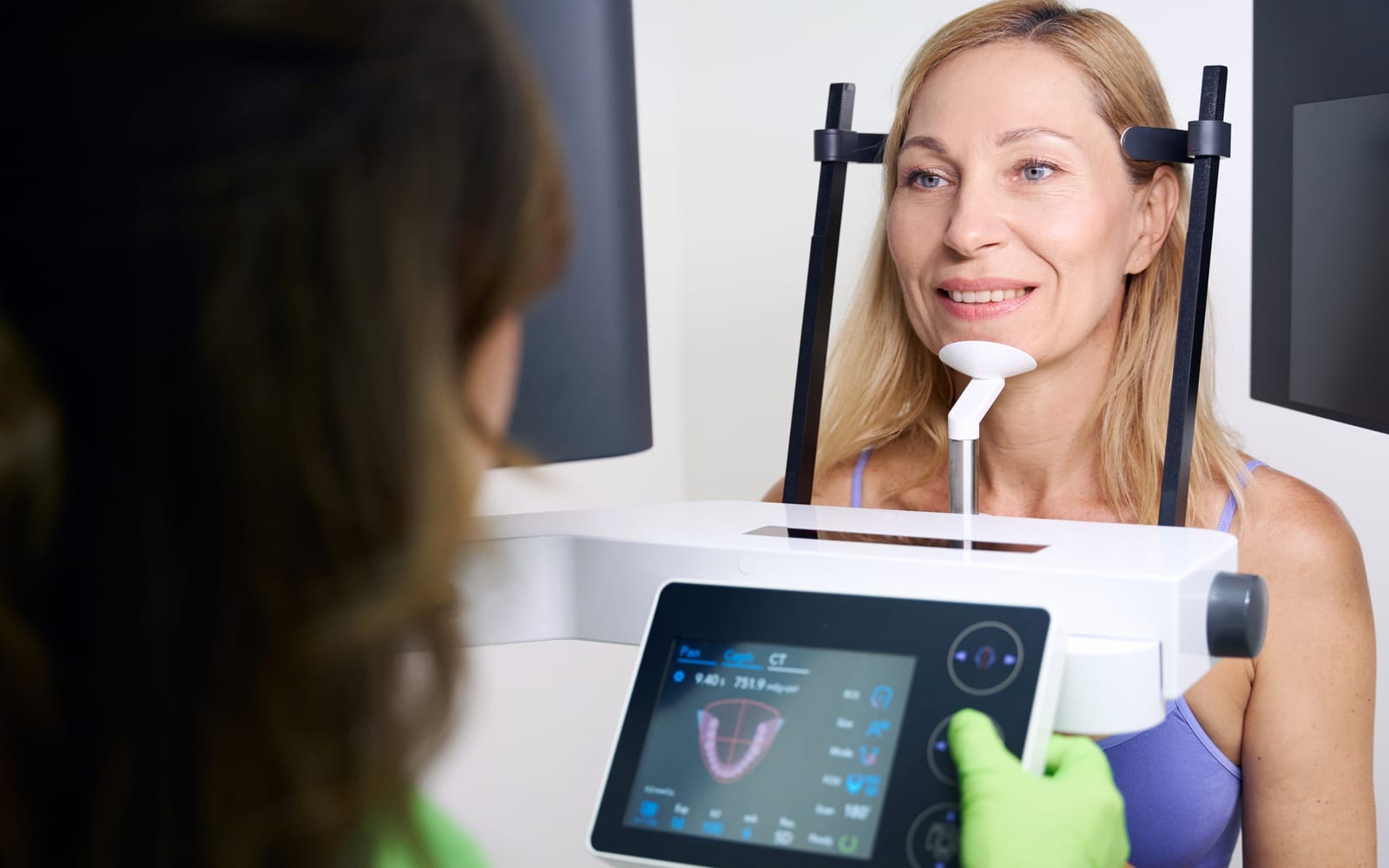
CBCT regulations by state: registration paperwork, shielding plans, and compliance steps dental practices need to keep 3D imaging legal and safe.

Avoid costly HIPAA violations in your dental practice. Learn 10 essential steps to safeguard patient data, ensure compliance, and prevent penalties.
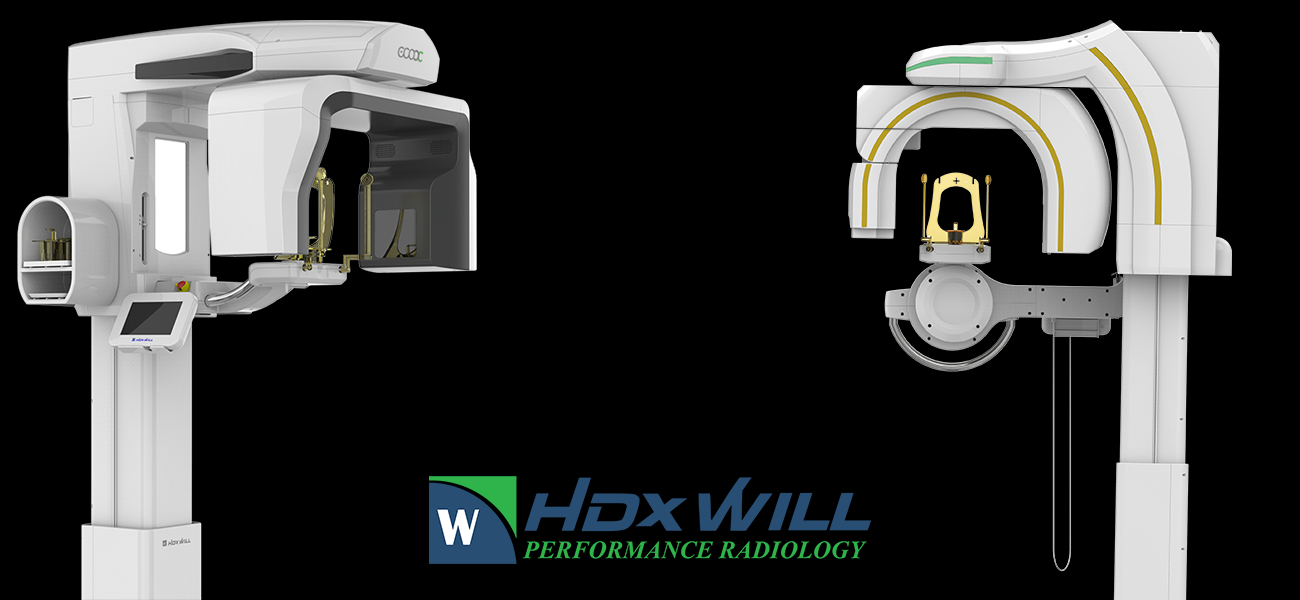
HDX Will is a leader in technology when it comes to CBCT. See more about the features they offer and a comparison of their two CBCT lines.

Smile Guard periodontal health supplement: IgY antibodies target S. mutans and P. gingivalis without harming beneficial oral bacteria. A first look.

Explore the impact of unreliable dental imaging equipment on your practice, and how Dental TI's expert support can protect your technology and reputation.
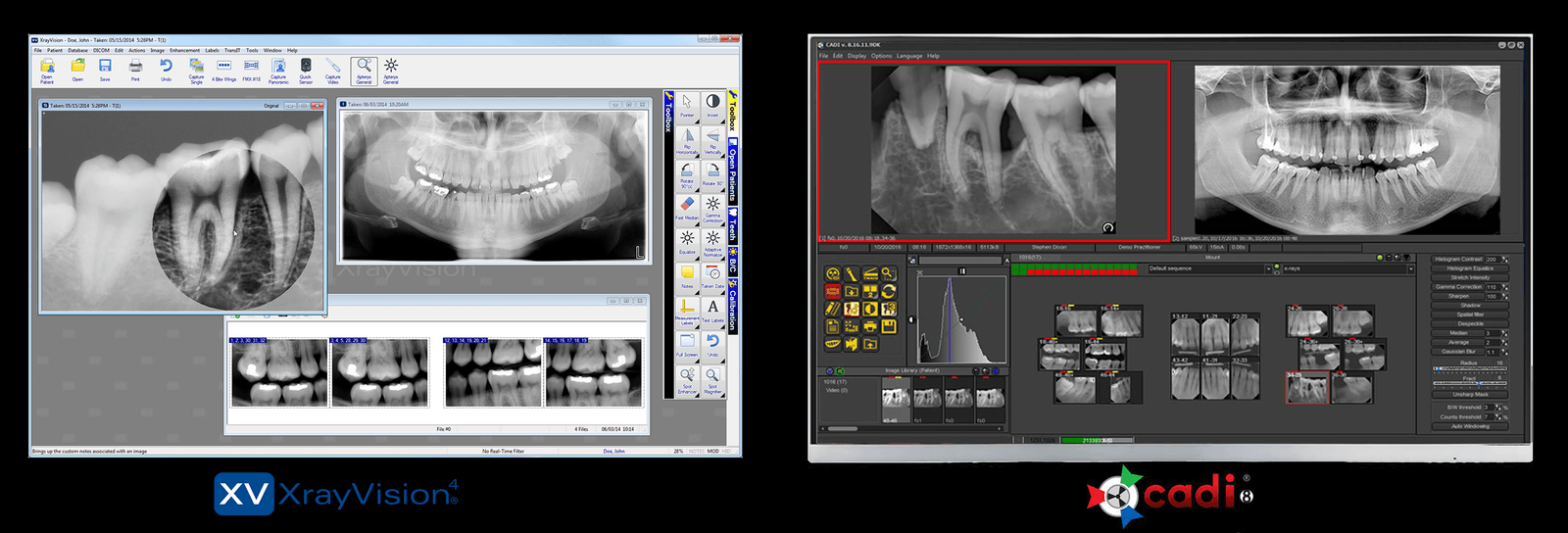
The need to transition from XV4 is now an inevitability. We've found a great alternative in CADI 8...
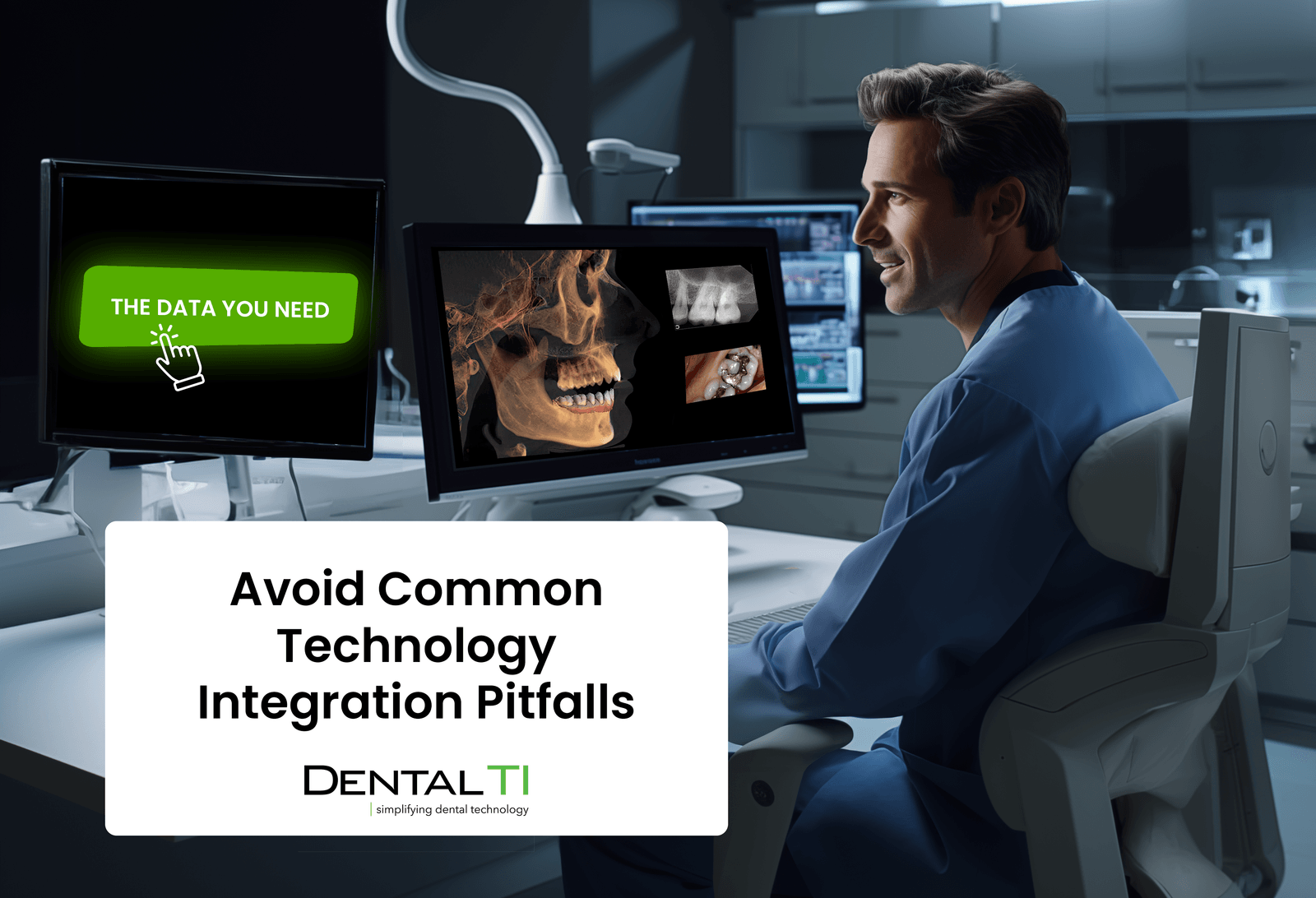
Unlock the potential of advanced dental technology in your practice. Discover key technologies, common pitfalls, and best practices for seamless integration.
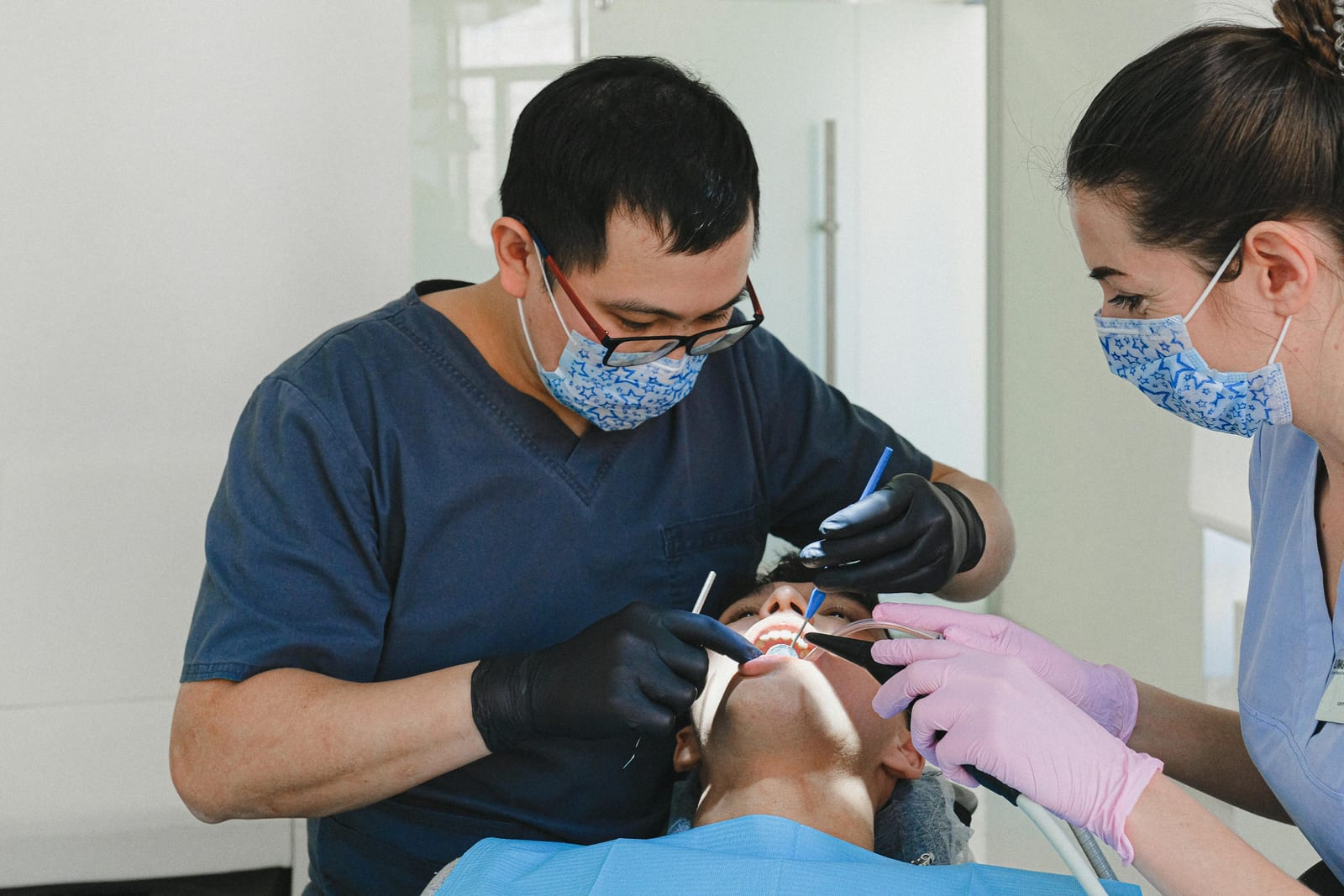
Dental technology decisions guide: how to assess practice needs, compare systems, weigh long-term costs, and choose equipment that improves patient care.

Section 179 tax deduction lets dental practices deduct the full purchase price of qualifying equipment in year one, reducing your taxable income.
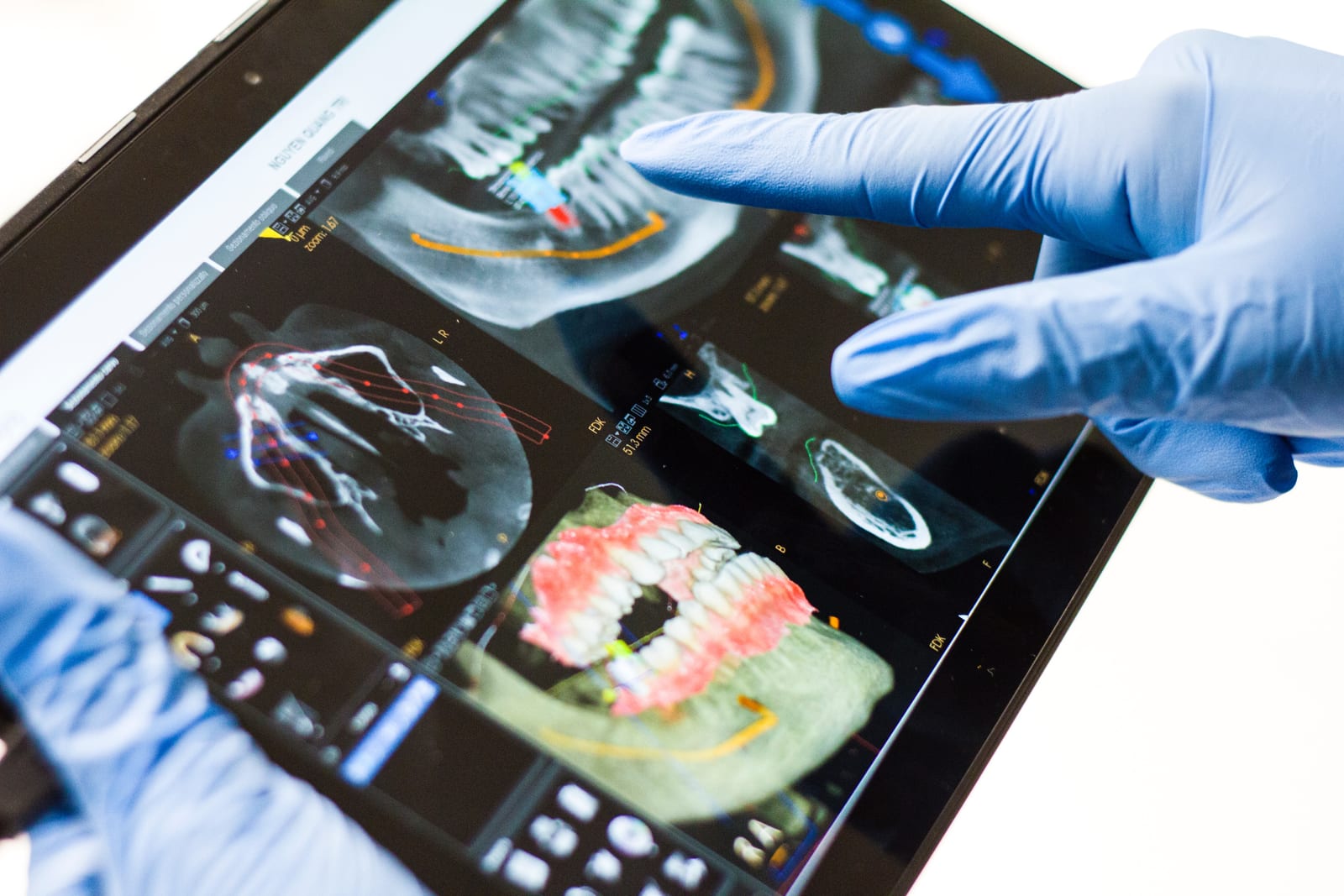
Dental CBCT advantages over traditional 2D imaging: better visualization, fewer re-treatments, and stronger patient communication and case acceptance.
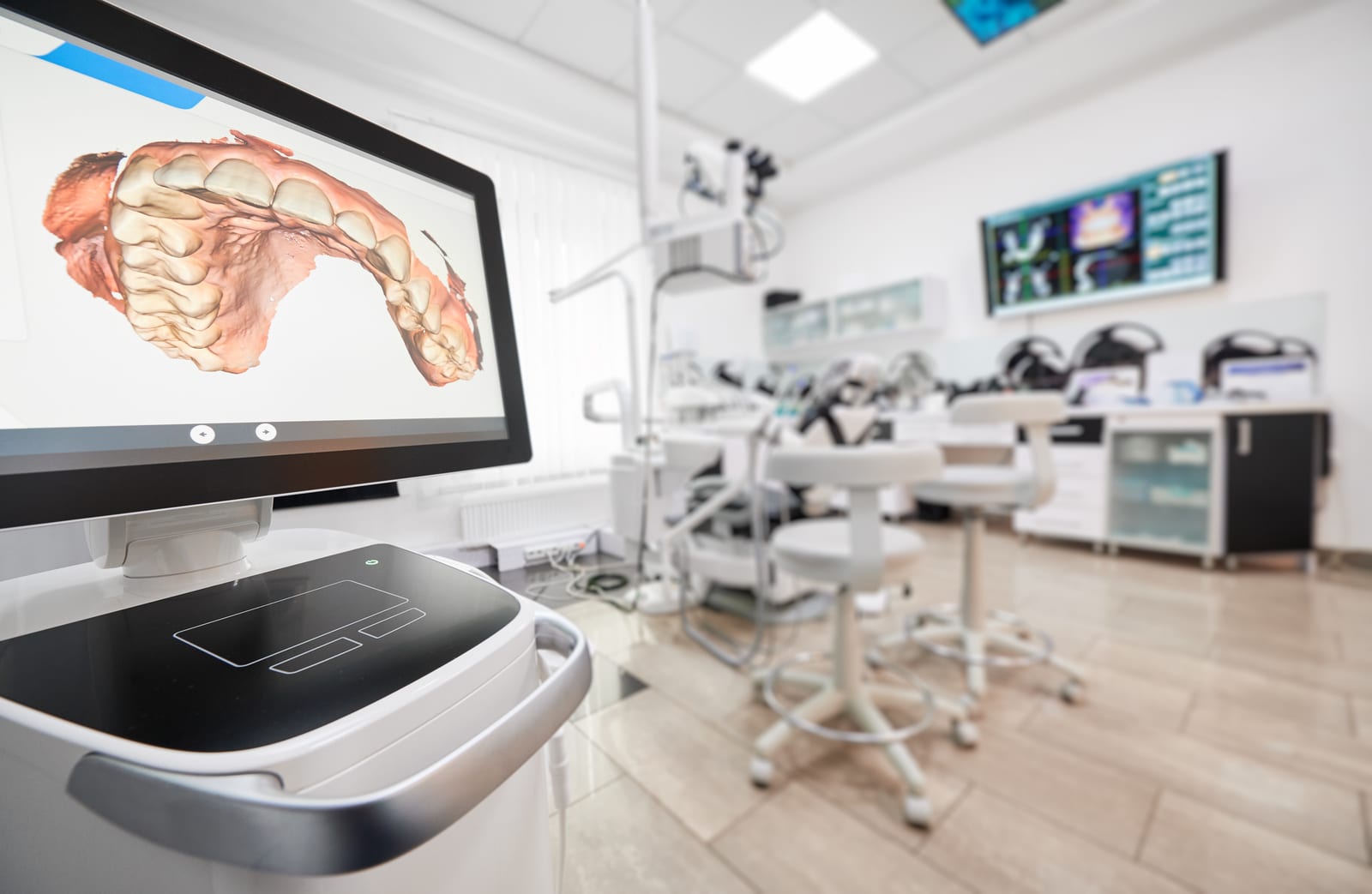
Digital dentistry workflow in four steps: CBCT imaging, intraoral scanning, treatment planning software, and in-house 3D printing for same-day results.
CBCT fundamentals for 3D dental radiography: ten essentials covering FOV, three views, volume rendering, and window leveling for accurate diagnoses.

The most reliable CBCT depends on three pillars: hardware quality, user training, and skilled support. How to evaluate all three before you buy.
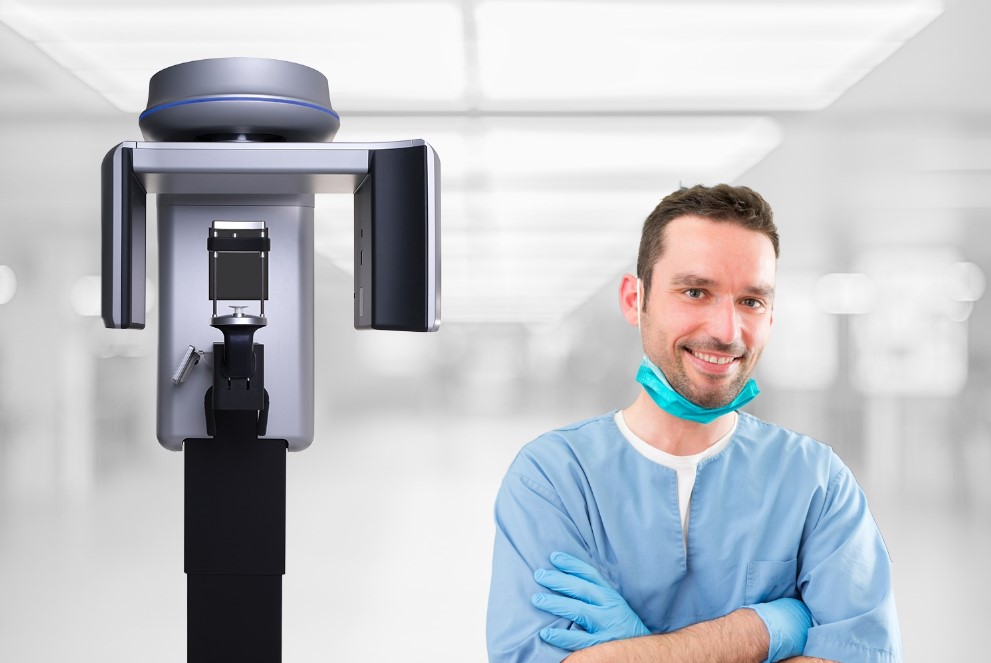
Choosing the best CBCT for your practice: a 10-step guide covering clinical needs, field of view, budget, image quality, and warranty terms before you buy.
Dental practice efficiency: five proven methods to cut admin time, reduce no-shows, and improve patient care, from scheduling software to staff training.
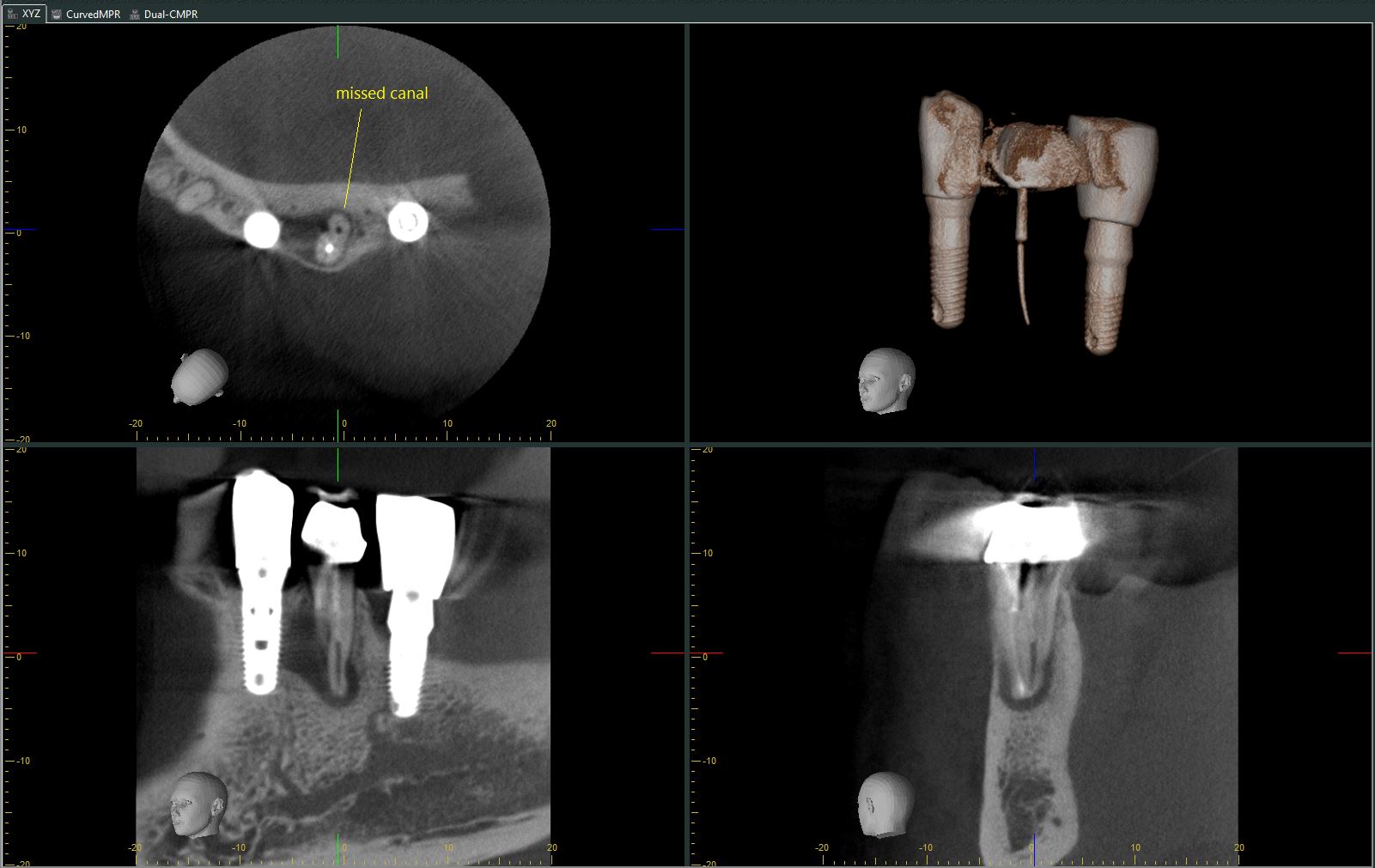
CBCT in endodontics: the top three clinical benefits of cone beam imaging for endo and how practices recover the investment with a strong ROI.
Adding a second dental office: the pros, cons, and planning questions to weigh before expanding from a single practice to multiple locations.
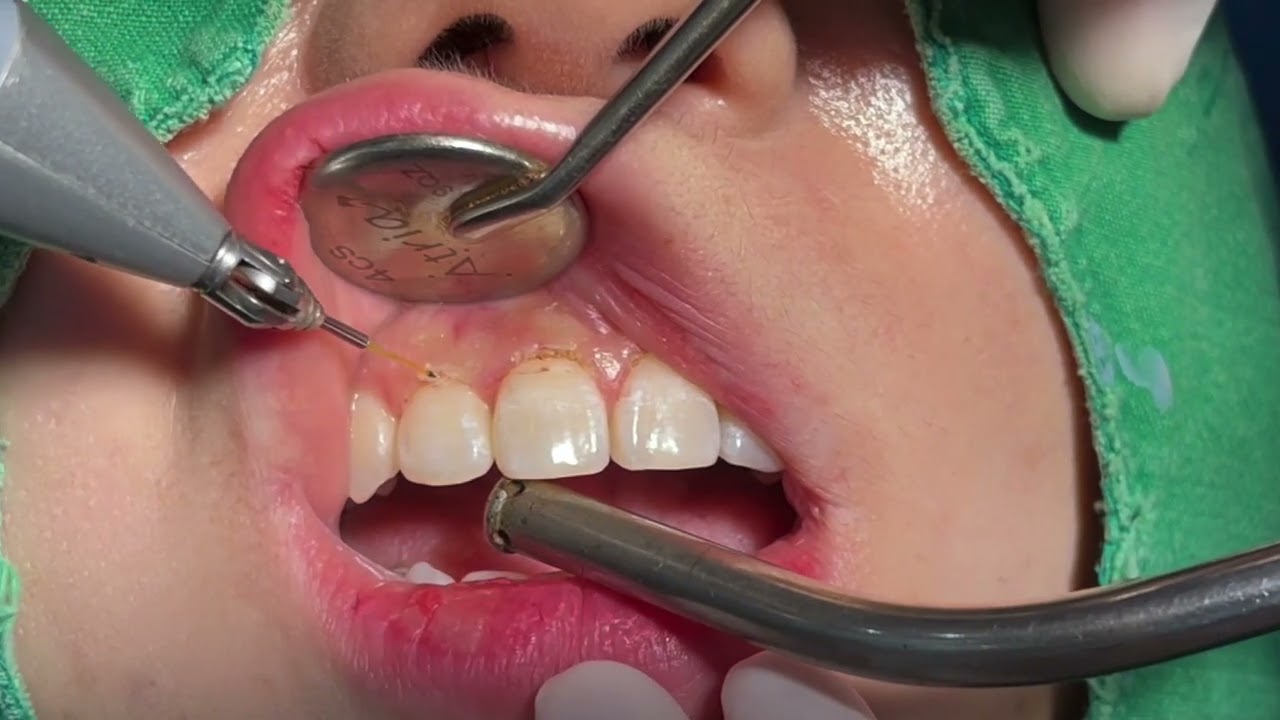
Diode lasers give dental practices a cost-effective way to reduce healing times and improve patient comfort across common soft tissue procedures.
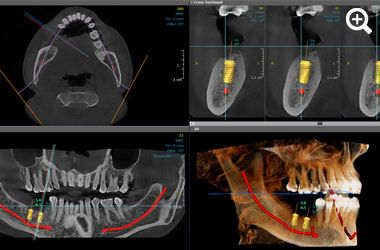
Surgical guide workflow step by step: how CBCT scans, intraoral scanner STL files, and 3D printing combine to plan and produce accurate implant guides.
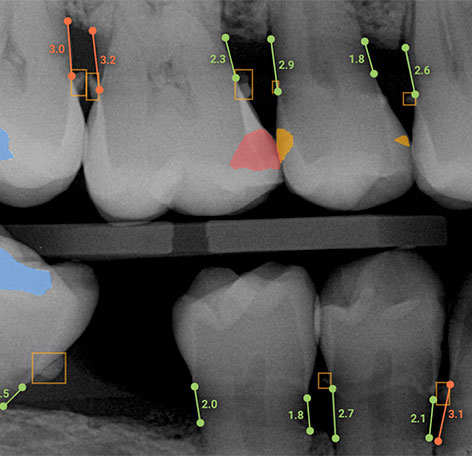
AI caries detection, AI bone loss measuring, AI voice charting, and AI crown creation: three ways AI is impacting dentistry today.
We review a conversation we had with a CBCT client to gain insights into how CBCT benefits patients.
A dental practice owner's guide to evaluating new equipment investments, using dental microscopes as the example. Provided by Sean Ryan of Global Surgical.
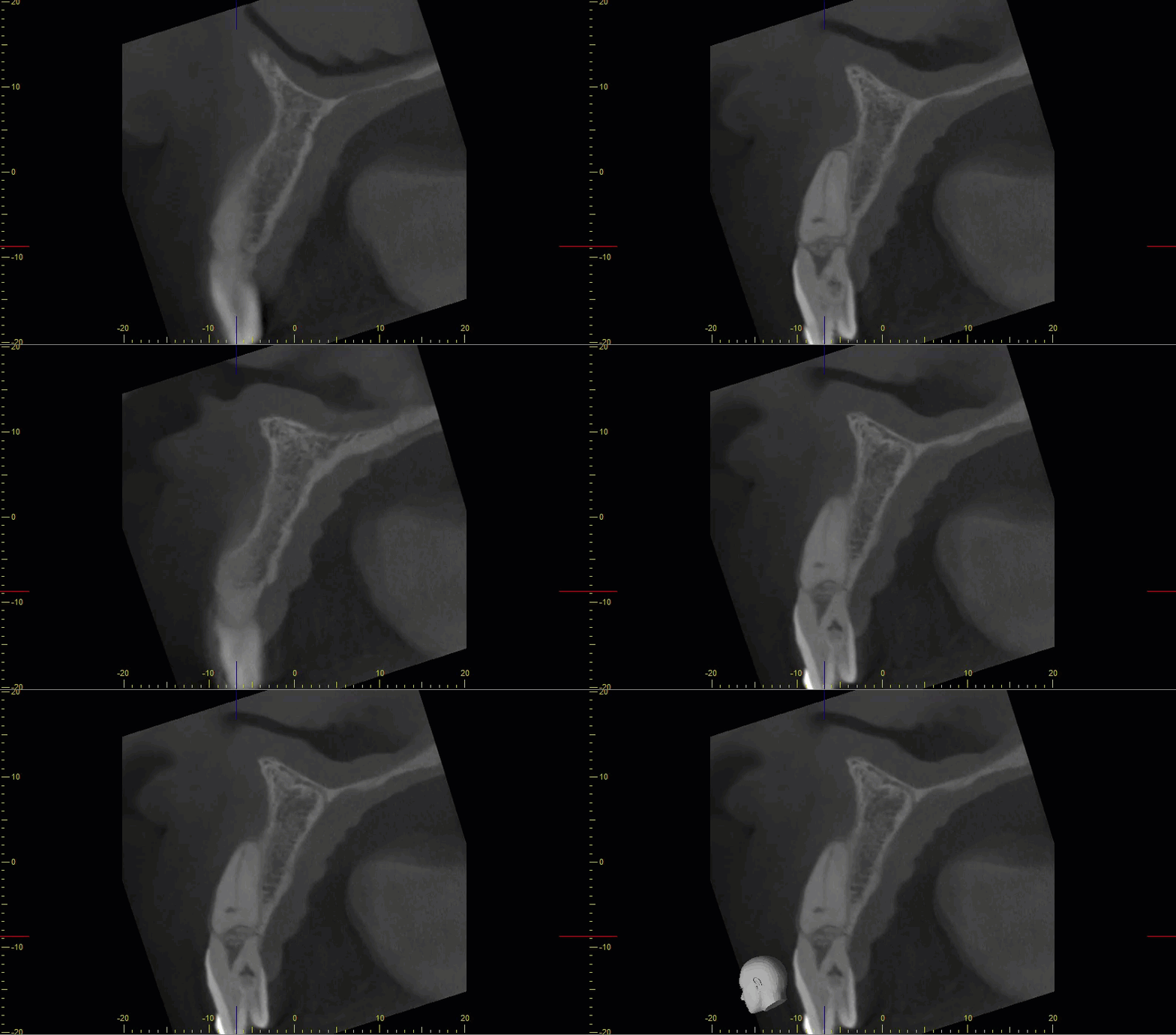
Another example of how CBCT can dramatically improve diagnostic accuracy vs. traditional 2D intraoral radiographs.
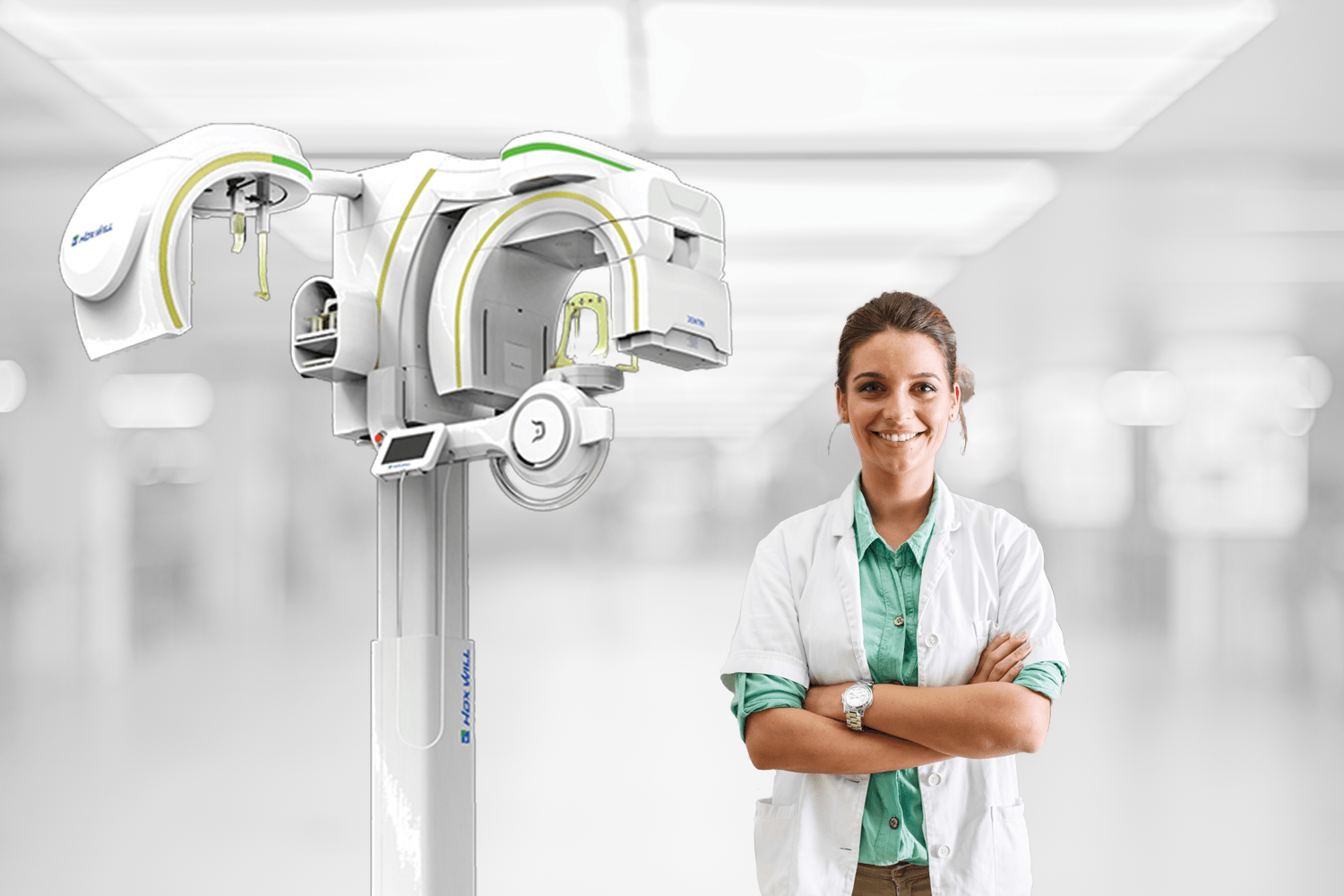
The Dentri Max from HDX Will is a world-class CBCT system suitable for applications in general dentistry, dental specialties, and ENT.
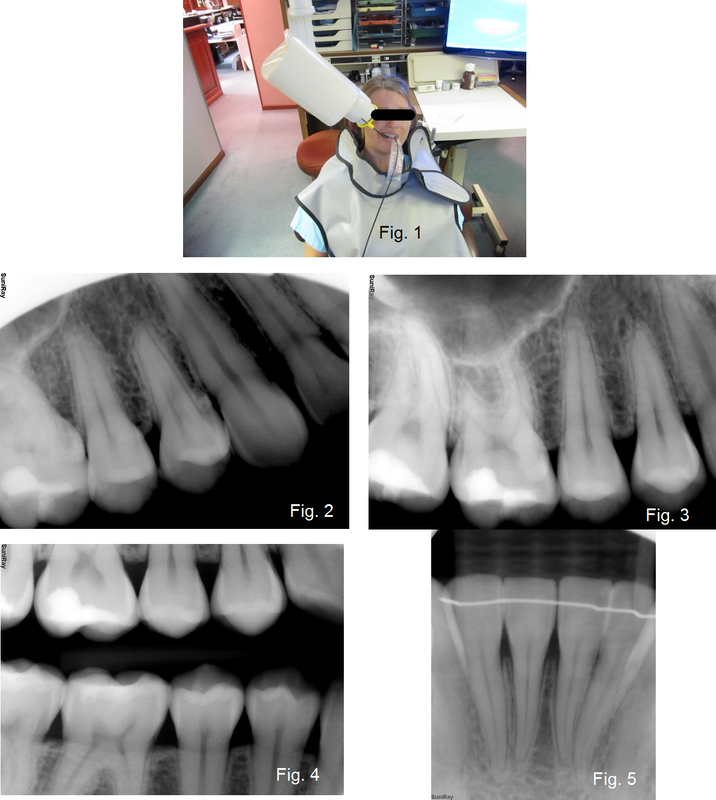
Everyone has heard the saying that a chain is only as strong as its weakest link. The same can be said for image quality with Digital X-rays.
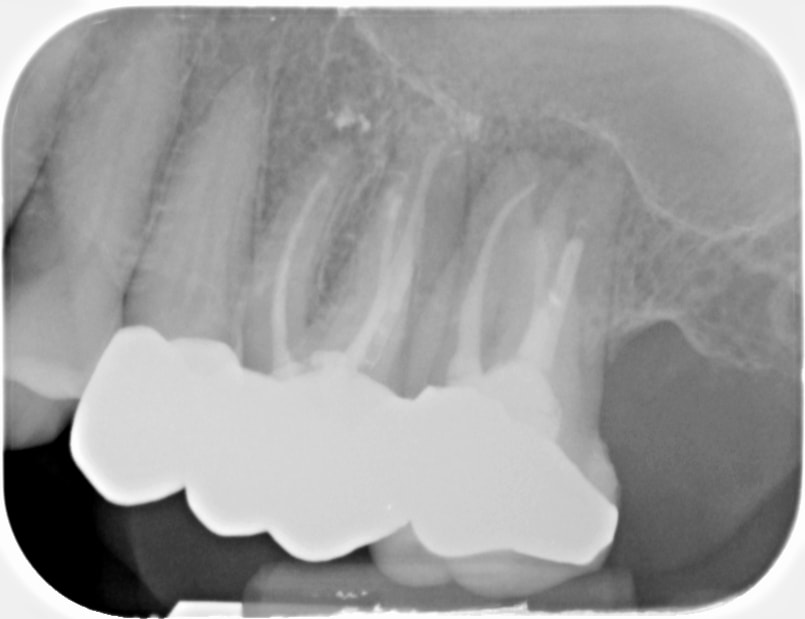
CBCT diagnostics case study: how 3D imaging identified the true source of infection and spared a patient an unnecessary root canal retreatment.
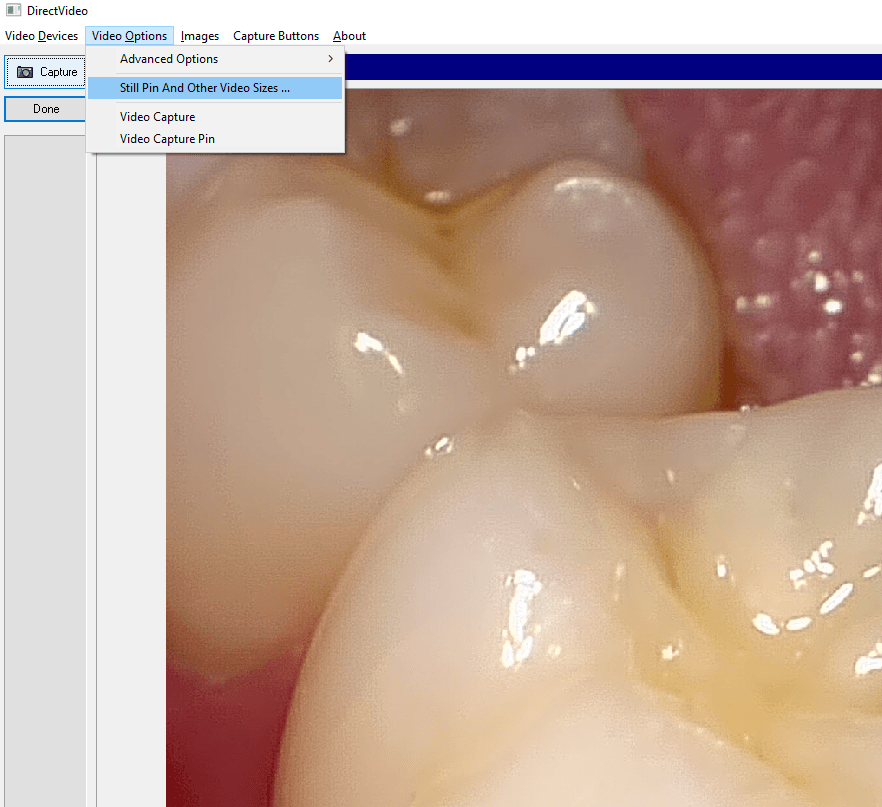
Apteryx capture button not working? If your intraoral camera shows live video but nothing captures, set the camera to capture from the still pin.
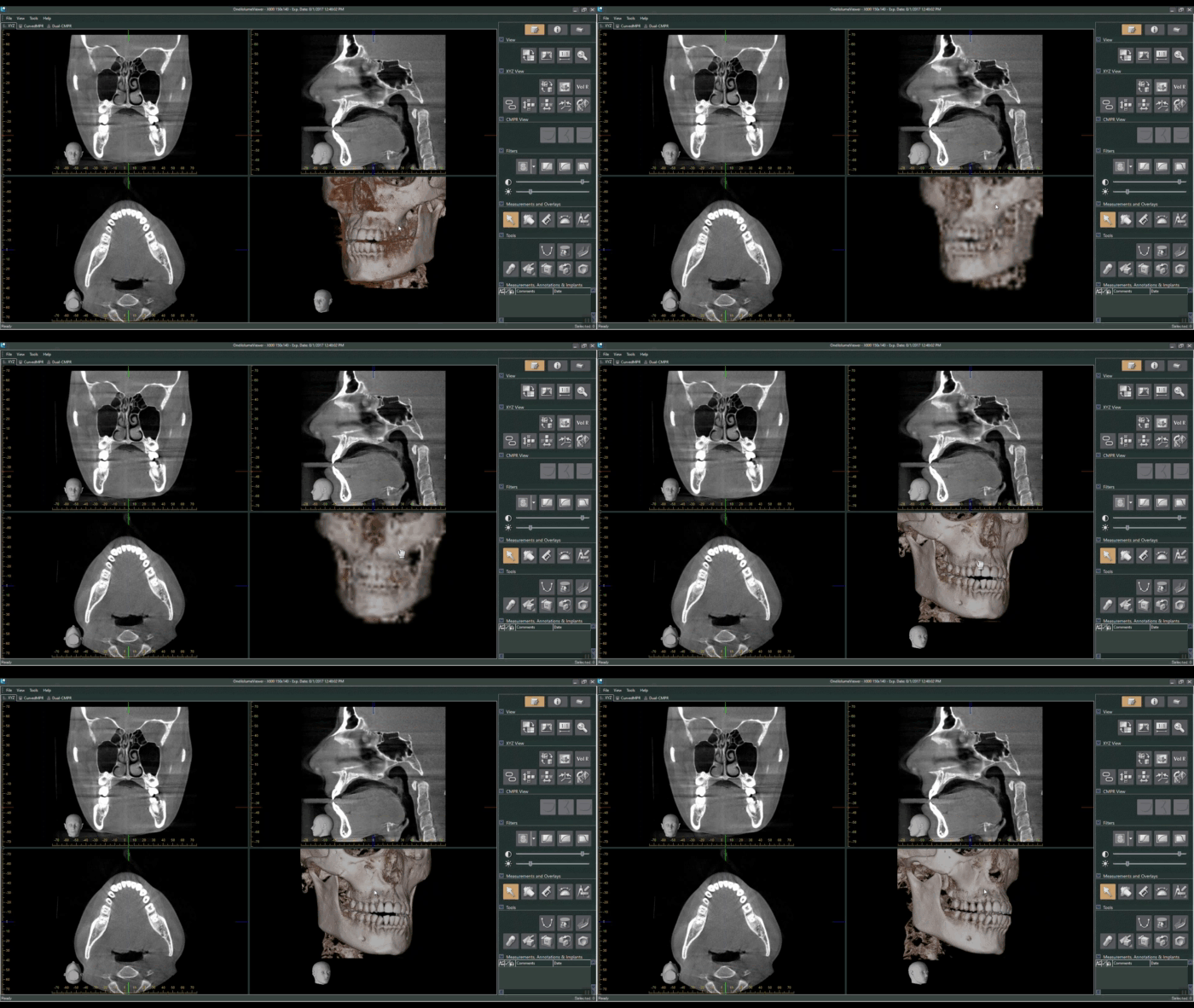
J. Morita's 3D viewing and treatment planning software, i-Dixel, offers a robust set of tools to review scans and plan treatment digitally.
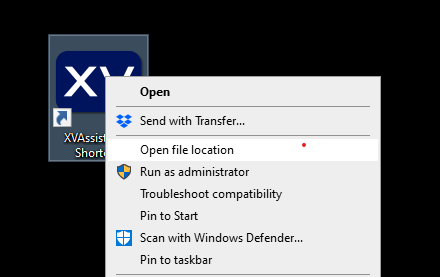
Missing images in Apteryx XrayVision: where to look, from the patient Original Images folder to backups, to recover lost x-rays and camera photos.
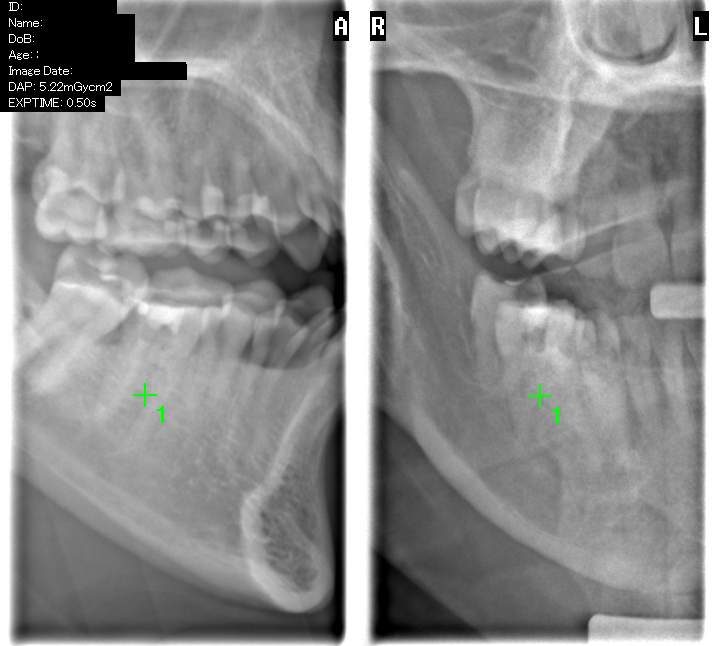
Accurate positioning when acquiring a CBCT scan is critical to ensure the desired anatomy is captured and able to be reviewed.
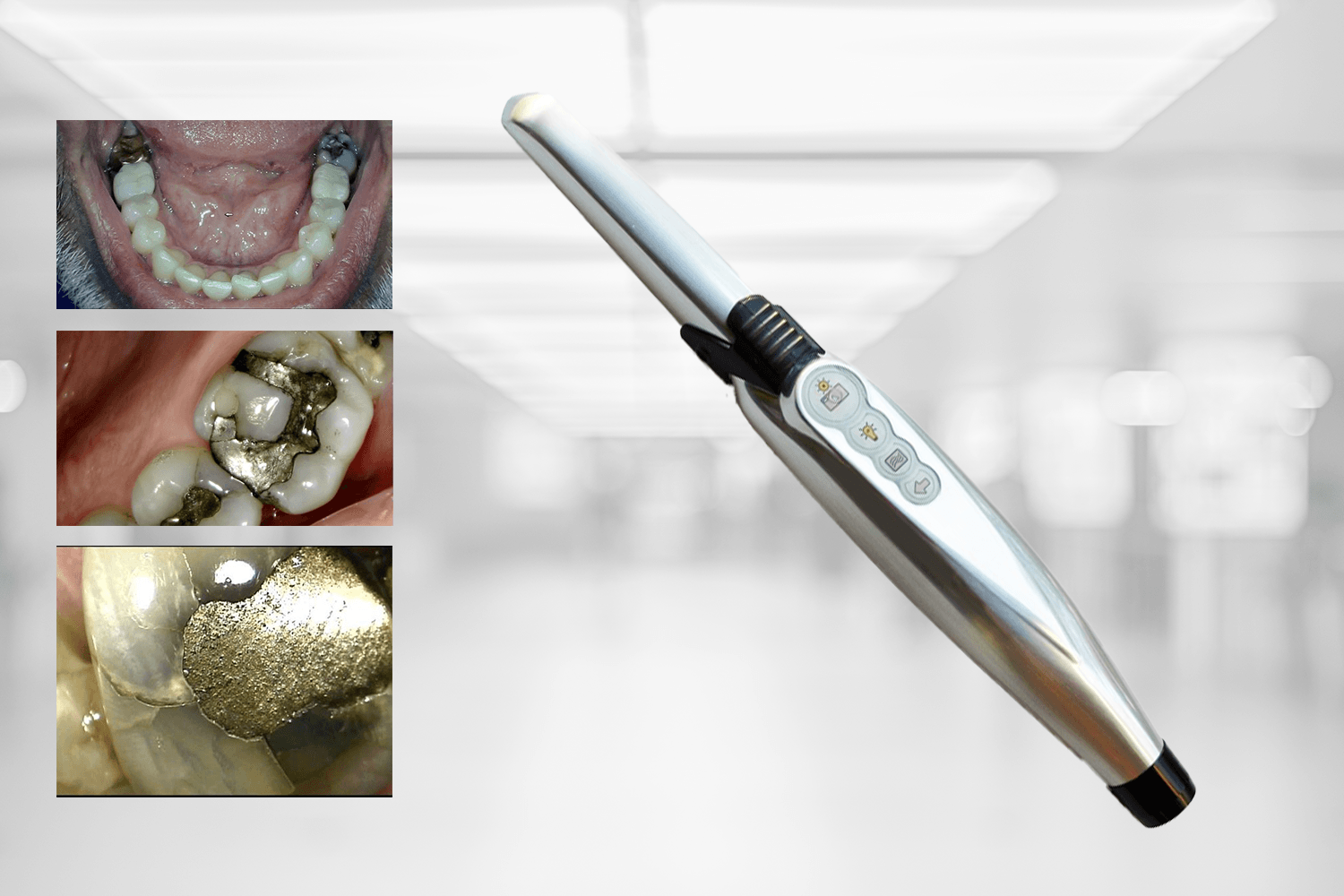
Spend less time selling dentistry: the one-minute exam uses intraoral camera images so patients understand treatment needs before the doctor enters.
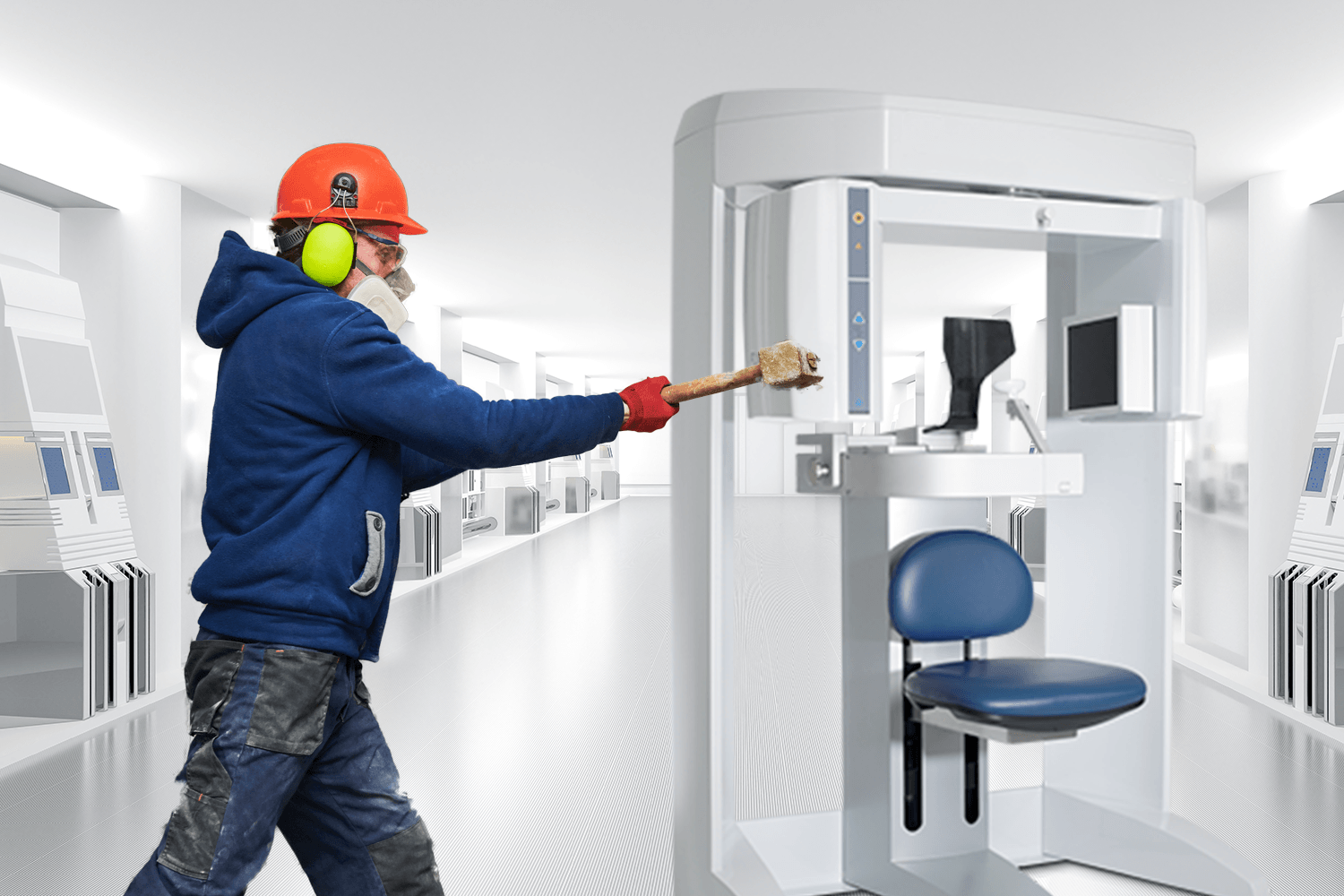
CBCT troubleshooting tips for shadows, poor image quality, blurry scans, circular artifacts, and noisy images — plus when to call a technician.
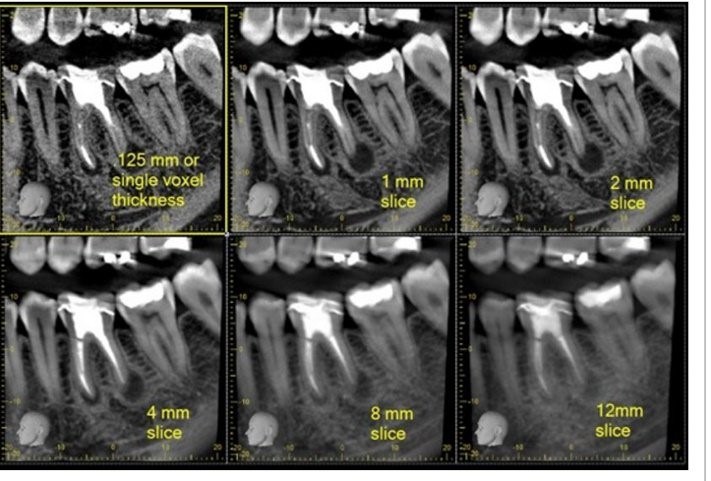
Slice thickness in CBCT explained: how voxel size sets the thinnest slice, and how varying thickness offers a different view for diagnosis.
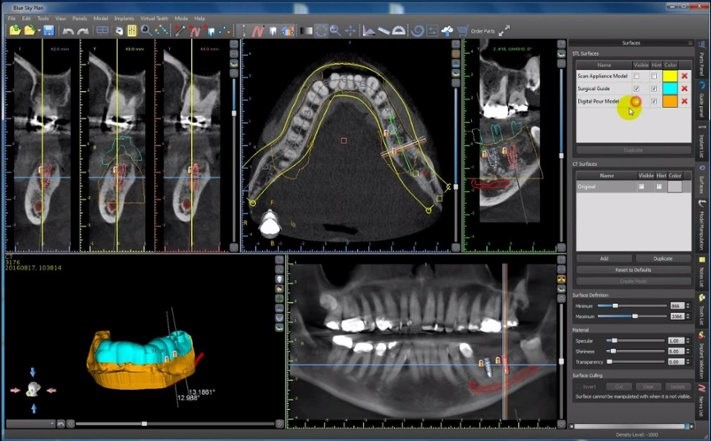
Create a surgical guide with CBCT alone — no intraoral scanner. A scan appliance protocol for accurate implant planning on heavily restored patients.
Seven benefits of adding CBCT to your practice: improved implant outcomes, superior 3D imaging, reduced complication risk, and legal documentation.
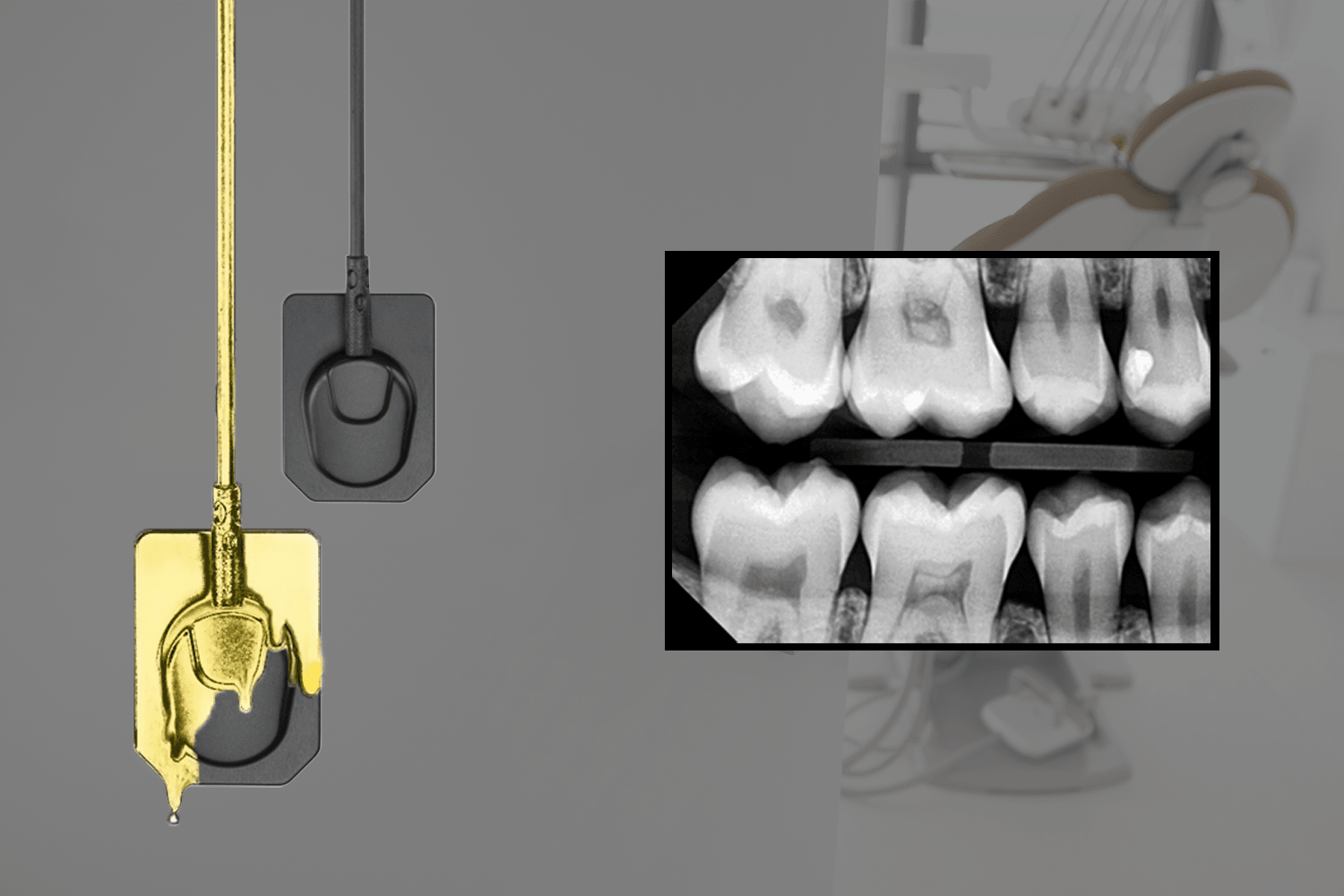
Dental technology investment: why vision and execution separate offices that barely cover costs from those gaining $20+ in revenue per patient.
Protect your dental sensor investment with 10 handling and care tips that help intraoral X-ray sensors reach their full three-to-five-year service life.
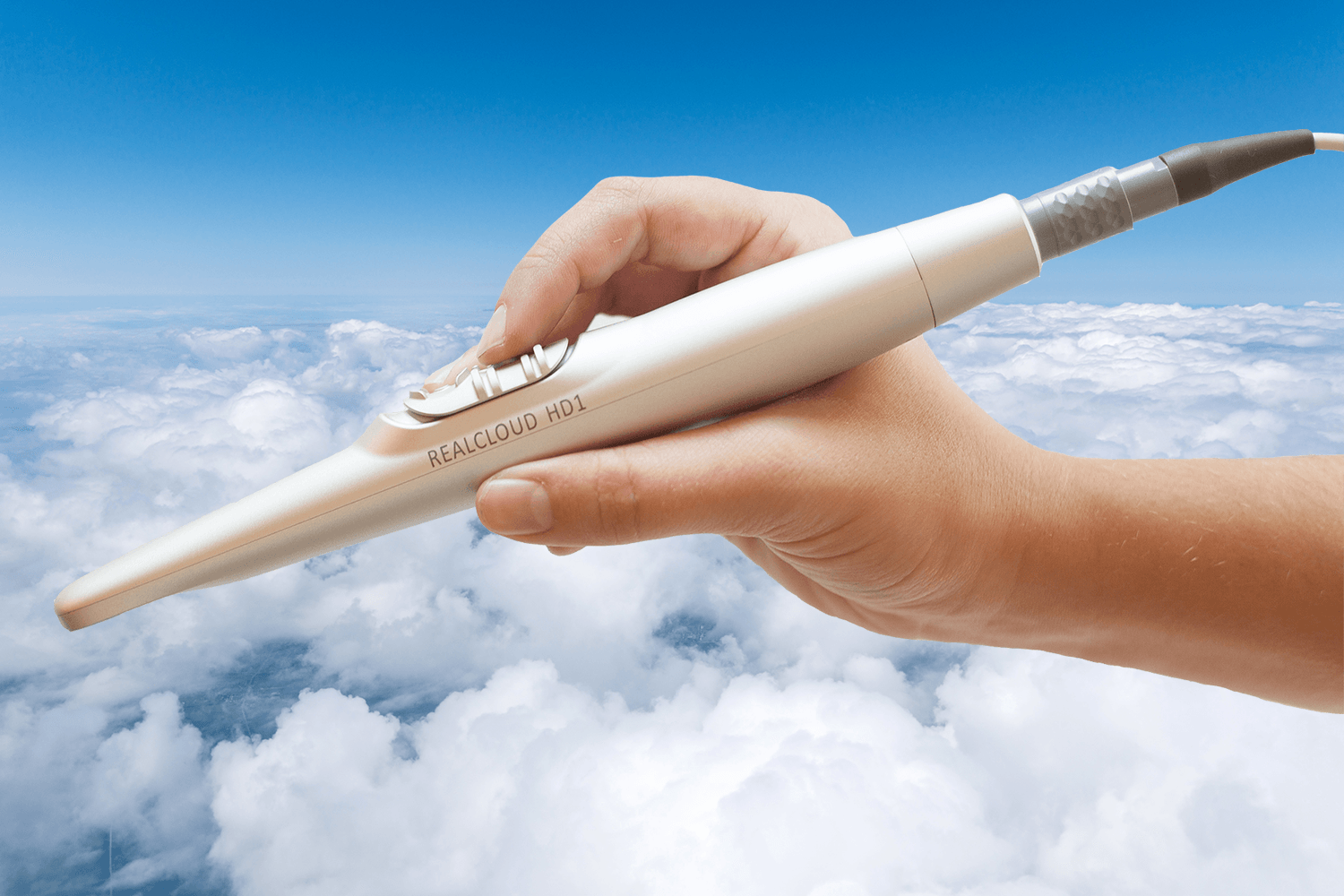
Intraoral camera tips for diagnostic-quality images: stabilize with an intraoral fulcrum, focus correctly, and dry the area before each capture.
Serving dentistry since 2003
Installation, training & expert support included
Ask a real imaging expert — free, no pressure.