
Comprehensive Dental Software Training Guide
· Luke Scott
In today’s fast-paced dental industry, mastering dental practice software is essential for efficient patient management, accurate record-keeping, and streamlined workflows. Dental software has evolved to become a critical tool that supports clinical, administrative, and financial tasks. Whether you are a new dental professional or an experienced practitioner looking to upgrade your skills, understanding how to use dental software effectively can significantly improve your practice’s productivity and patient satisfaction.
Dental software training is a key step in this process. It ensures that you and your team can navigate the software confidently, avoid common errors, and leverage all available features to their fullest potential. This guide will walk you through the essentials of dental practice software, practical tips for training, and insights into popular software options.
Understanding Dental Practice Software and Its Benefits
Dental practice software is designed to manage various aspects of a dental office, including appointment scheduling, patient records, billing, treatment planning, and communication. The right software can transform your practice by automating routine tasks and providing real-time access to patient information.
Key Features of Dental Practice Software
- Appointment Scheduling: Easily book, reschedule, and send reminders to patients.
- Patient Records Management: Store and access detailed patient histories, x-rays, and treatment notes.
- Billing and Insurance Processing: Automate invoicing, track payments, and handle insurance claims.
- Treatment Planning: Create and modify treatment plans with visual aids and cost estimates.
- Reporting and Analytics: Generate reports to monitor practice performance and patient trends.
Using dental practice software helps reduce paperwork, minimize errors, and improve communication between staff and patients. It also supports compliance with healthcare regulations by securely managing sensitive patient data.
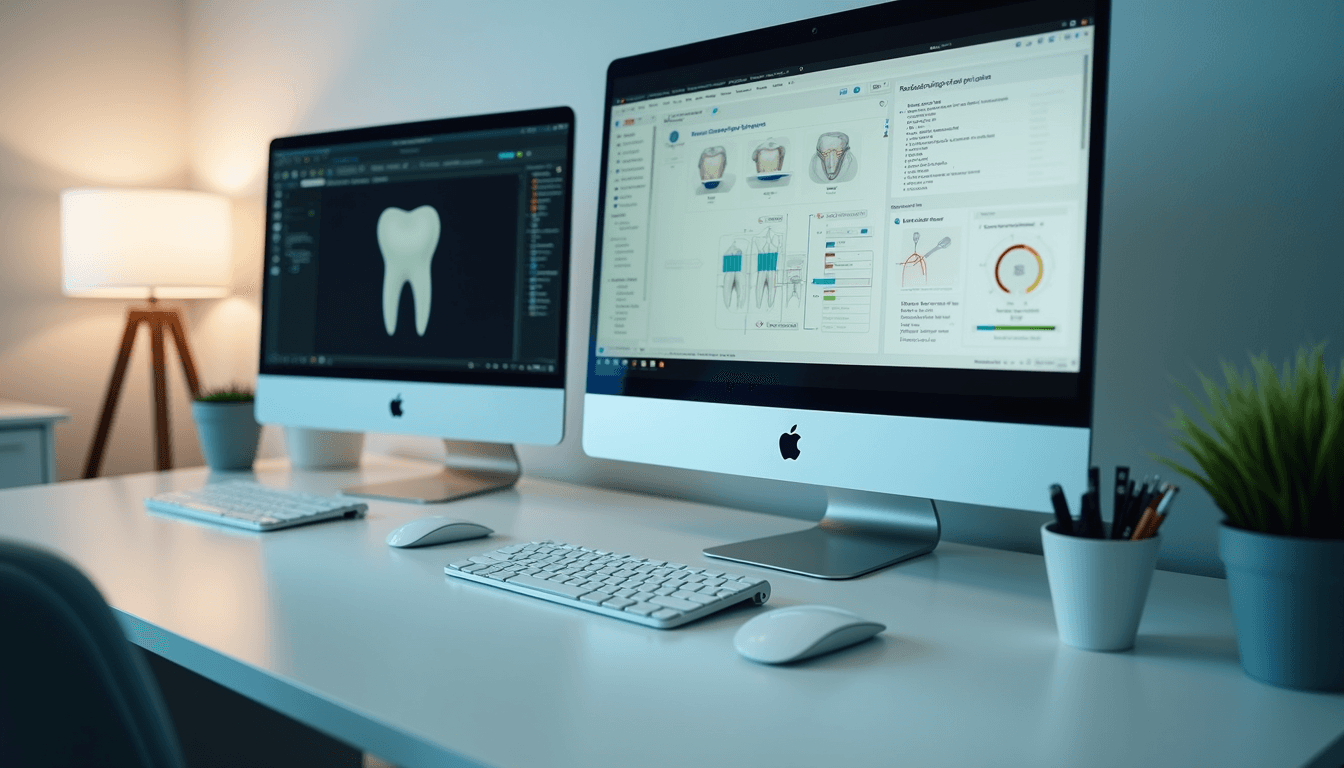 Dental practice software interface on a computer screen
Choosing the Right Dental Practice Software for Your Office
Selecting the best dental practice software depends on your practice size, specialty, and specific needs. Here are some factors to consider when evaluating options:
1. User-Friendliness
The software should have an intuitive interface that your team can learn quickly. Complex systems may require extensive training, which can slow down adoption.
2. Integration Capabilities
Look for software that integrates with other tools you use, such as digital imaging devices, accounting software, or patient communication platforms.
3. Customization Options
Your practice may have unique workflows. Choose software that allows customization of templates, forms, and reports to fit your processes.
4. Support and Training Resources
Reliable customer support and comprehensive training materials are crucial. Some providers offer online tutorials, webinars, and even in-person training sessions.
5. Cost and Licensing
Consider the pricing model—whether it’s a one-time purchase, subscription-based, or pay-per-user. Also, check for hidden fees like updates or support charges.
By carefully assessing these factors, you can select software that enhances your practice’s efficiency and patient care quality.
 Dental software dashboard showing patient appointments and billing
How much does Dentrix dental software cost?
Dentrix is one of the most popular dental practice software solutions, known for its comprehensive features and user-friendly design. Understanding the cost structure of Dentrix can help you budget effectively.
Pricing Overview
- Initial Setup Fee: Dentrix typically requires an upfront fee for software installation and setup.
- Licensing: Pricing is often based on the number of users or operatories. Each additional user may incur extra costs.
- Subscription Plans: Dentrix offers subscription options that include software updates and support.
- Additional Modules: Some advanced features, such as imaging or patient communication tools, may be sold separately.
Estimated Costs
- Small practices can expect to pay around $3,000 to $5,000 for initial setup and licensing.
- Larger practices with multiple users may see costs rise to $10,000 or more.
- Monthly subscription fees can range from $200 to $500 depending on the package.
Cost-Saving Tips
- Negotiate with vendors for bundled packages.
- Take advantage of free trials to evaluate software before purchase.
- Consider cloud-based versions to reduce hardware expenses.
Investing in Dentrix or similar software is a long-term commitment that can yield significant returns through improved efficiency and patient management.
Effective Strategies for Dental Software Training
Proper training is essential to maximize the benefits of dental software. Here are actionable recommendations to ensure your team becomes proficient quickly:
1. Start with the Basics
Begin training sessions by covering fundamental functions such as patient registration, appointment scheduling, and billing. This builds confidence and reduces frustration.
2. Use Hands-On Practice
Encourage staff to practice using the software in a simulated environment. Real-time exercises help reinforce learning and identify areas needing improvement.
3. Leverage Online Resources
Many software providers offer video tutorials, FAQs, and user forums. For example, dental software training videos can be a valuable resource for self-paced learning.
4. Schedule Regular Refresher Courses
Software updates and new features require ongoing education. Plan periodic training sessions to keep your team up to date.
5. Assign a Software Champion
Designate a knowledgeable staff member as the go-to person for software questions. This helps resolve issues quickly and supports continuous learning.
6. Monitor Progress and Provide Feedback
Track how well staff are adapting to the software and offer constructive feedback. Celebrate milestones to motivate the team.
By implementing these strategies, your practice can avoid common pitfalls and ensure smooth software adoption.
 Dental professional training on dental software using a tablet
Maximizing Efficiency with Advanced Dental Software Features
Once your team is comfortable with basic functions, explore advanced features that can further enhance your practice:
Automated Patient Reminders
Set up automated text or email reminders to reduce no-shows and improve appointment adherence.
Digital Imaging Integration
Link your software with digital x-ray and imaging devices for seamless access to diagnostic images within patient records.
Treatment Plan Visualization
Use graphical tools to explain treatment options to patients, improving communication and acceptance rates.
Analytics and Reporting
Analyze patient demographics, treatment outcomes, and financial data to make informed business decisions.
Secure Patient Portals
Enable patients to view their records, schedule appointments, and communicate with your office online.
Incorporating these features can save time, reduce errors, and enhance patient engagement.
Preparing Your Practice for Future Software Upgrades
Technology evolves rapidly, and dental software is no exception. To keep your practice competitive and efficient, plan for future upgrades:
- Stay Informed: Follow software provider announcements and industry trends.
- Budget for Upgrades: Allocate funds annually for software updates and training.
- Test New Features: Pilot new modules with a small group before full implementation.
- Gather Staff Feedback: Involve your team in evaluating software performance and needs.
- Maintain Data Security: Ensure upgrades comply with privacy regulations and protect patient information.
By proactively managing software evolution, your practice can continue to deliver high-quality care with minimal disruption.
Mastering dental practice software is a journey that requires commitment, training, and continuous improvement. By choosing the right software, investing in effective training, and leveraging advanced features, your practice can achieve greater efficiency and patient satisfaction. Start your journey today and unlock the full potential of dental technology.