
DC-Air™ Dental Sensors: What Direct Conversion Changes
· David Hanning
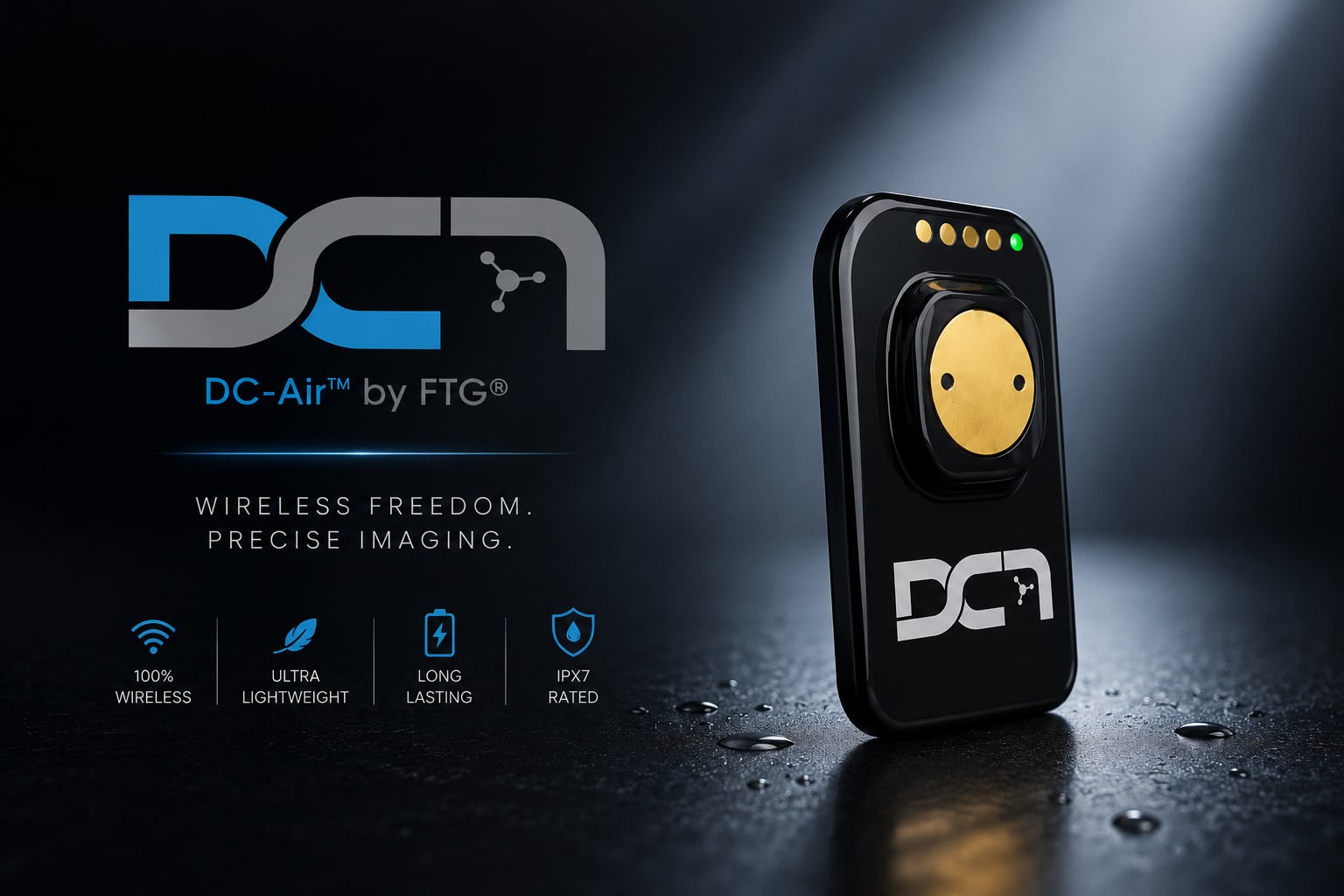
Choosing an intraoral sensor comes down to a few things you live with every day: what the image shows you, how the sensor holds up, and what it costs when something goes wrong. The DC-Air™ differs from most sensors on the market in one specific way — how it turns X-rays into an image — and that difference is worth understanding before you compare it on price.

What actually sets the DC-Air™ apart
Direct conversion, not the usual two-step
Most intraoral sensors capture in two steps: a scintillator turns X-ray photons into light, then the detector turns that light into signal. Every conversion is a chance to lose detail, which is why so many sensors lean on sharpening filters to look acceptable.
The DC-Air™ uses a single-crystal direct-conversion silicon CMOS detector — no scintillator, no fiber-optic plate. Photons go straight to the pixels. What that buys you:
Detail that was captured, not synthesized. A 26 µm pixel pitch across a 35.1 × 24.7 mm active area, with no manufacturer sharpening applied to the capture.
Measured sharpness. In FTG’s published MTF testing, better than 70% at 5 lp/mm and better than 40% at 10 lp/mm.
Fewer fragile layers. The scintillator and fiber-optic plate are the parts that crack and degrade on conventional sensors. They are not in this one.
Comfort, mostly by subtraction
The DC-Air™ improves comfort largely by removing things rather than adding them.
No cable. Nothing runs from the patient’s mouth to the workstation — the most common comfort complaint with wired sensors, and their number-one failure point.
A sealed, rounded body. The IP67-sealed housing has no sharp corners and stands up to wipe-downs between patients.
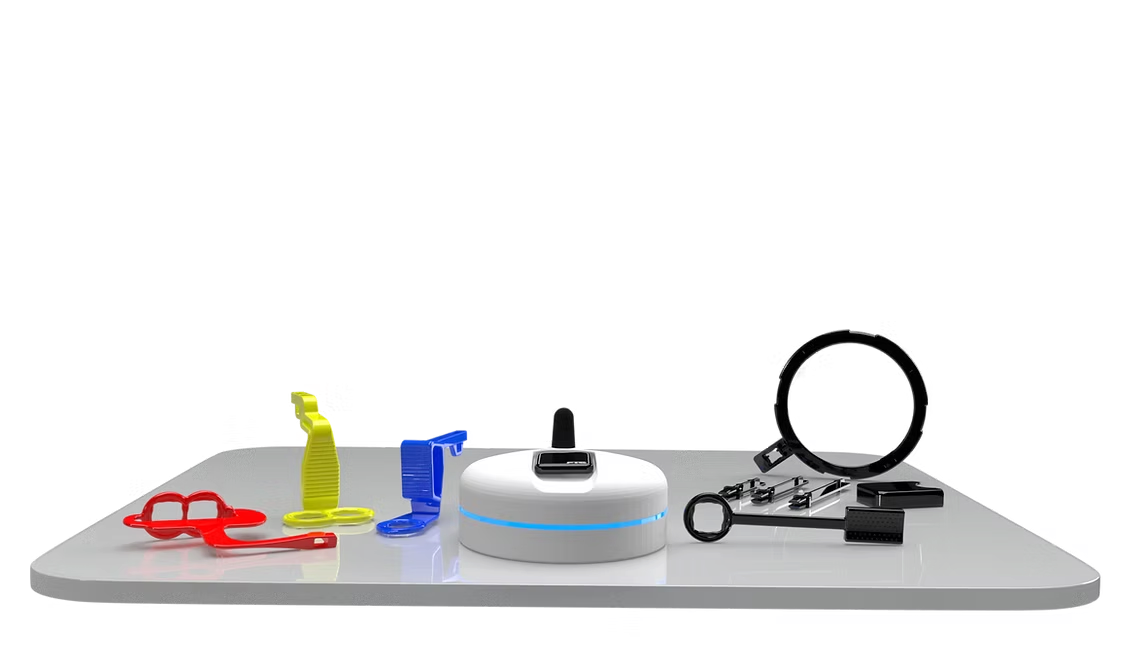
Zero Profile® holders clip to the back of the sensor rather than wrapping around it, and place at 360° — distal or mesial — so you can work around difficult anatomy instead of fighting it.
Speed that keeps the schedule moving
Time matters in a full schedule. The DC-Air™ auto-triggers the moment it detects an exposure and holds captures in a 4 MB onboard buffer, so an image is never lost waiting on the connection.
Auto-trigger on exposure — nothing to press, nothing to time.
150+ radiographs per charge, and a recharge in under a minute on the dock between patients.
Straight into your imaging software through the DC-Air™ TWAIN driver.
How the DC-Air™ compares
Direct conversion vs. conventional scintillator sensors
The useful comparison is not CMOS against CCD — it is direct conversion against the scintillator-based sensors that make up most of the market:
| Feature | DC-Air™ | Conventional scintillator sensors |
|---|---|---|
| Capture path | Photons straight to pixels | X-ray → light → signal |
| Internal glass | None | Scintillator and fiber-optic plate |
| Sharpening | None applied to the capture | Commonly used to offset conversion blur |
| Cable | None — Bluetooth® Low Energy | Wired in most cases |
| Sealing | IP67 | Varies |
What it costs over five years
A sensor’s sticker price is rarely what it ends up costing. The things that move the number:
No cable to replace. Cable failure is the most common intraoral sensor repair, and there is no cable here.
No internal glass to crack. The scintillator and fiber-optic plate are the fragile layers, and this detector has neither.
A 2-year manufacturer warranty, included with the Starter Kit.
Expert support from the team that installed it. We work the whole picture in the cost-of-ownership calculator.
Frequently asked questions
What makes the DC-Air™ different?
Three things: direct-conversion capture, which skips the lossy scintillator step entirely; a cordless design that removes the most common failure point and the most common patient complaint at once; and an IP67-sealed body with no internal glass to crack. Whether that combination is right for your practice depends on your operatories and your budget — we would rather walk you through it than sell you on it.
Is the DC-Air™ compatible with our existing software?
Yes. DC-Air™ includes a TWAIN license covering one network with unlimited PCs, plus native integration with Open Dental, Dentrix, Dentrix Ascend, Eaglesoft, XDR, DEXIS, Apteryx, Curve and more. Dental TI handles the integration as part of every installation — if you are unsure about yours, ask before you buy and we will confirm it.
How does the DC-Air™ improve the patient experience?
Mostly by removing the cable. There is nothing trailing out of the mouth and nothing tugging the sensor out of position mid-shot, and Zero Profile® holders add as little bulk as possible behind the sensor. FTG reports up to 40% fewer retakes — which is less time in the mouth as well as fewer repeat exposures.
What training does the team need?
Dental TI trains your team on site as part of the installation — sensor handling, holder assembly, and positioning technique. There is also a written holder assembly and use guide covering every Zero Profile® holder, presented by the dentist who invented the system.
Implementation Best Practices for Maximum Performance
Training the team
A little structure up front saves calls later:
Schedule comprehensive initial training for all team members who will handle the sensors.
Practice positioning techniques to ensure consistent, high-quality images.
Learn troubleshooting basics to resolve minor issues quickly without service calls.
Keeping it healthy
A few habits protect the investment:
Use barrier sleeves and approved disinfectants. The IP67 seal tolerates wipe-downs, but the protocol still applies.
Handle with care to prevent damage from drops or impacts.
Store properly in designated sensor holders when not in use.
Update software regularly to access new features and security improvements.
Where dental imaging is going
Where this is heading
Two directions worth watching, both of which the DC-Air™ already feeds into:
AI-assisted diagnostics, which depend entirely on the quality of the image fed to them — see Garbage In, Garbage Out.
Sensor monitoring, covered in The Sensor That Watches Itself.
Why that matters now
The DC-Air™ is already cordless and already direct-conversion, so the sensor is not waiting on a hardware generation to catch up. Software updates arrive through the DC-Air™ TWAIN driver.
Making the switch
When to call
Dental TI support can help with:
- Initial setup and software integration
- Staff training and positioning techniques
- Troubleshooting image quality issues
- Software updates and maintenance
Ready to see it?
If direct conversion sounds like it fits how your practice works, the next step is seeing a capture from it rather than reading about one.
Take the next step: contact Dental TI to schedule a demonstration in your own operatory, or look through the radiograph gallery and judge the images yourself.
Or call 800-672-5733 and talk it through with someone who installs these for a living.
The full DC-Air™ specifications, the cost-of-ownership calculator, and the holder guide are all worth a look before you decide.