
4 Sensor Myths That Could Be Costing Your Practice
· Dental TI
“They tried that twenty years ago.”
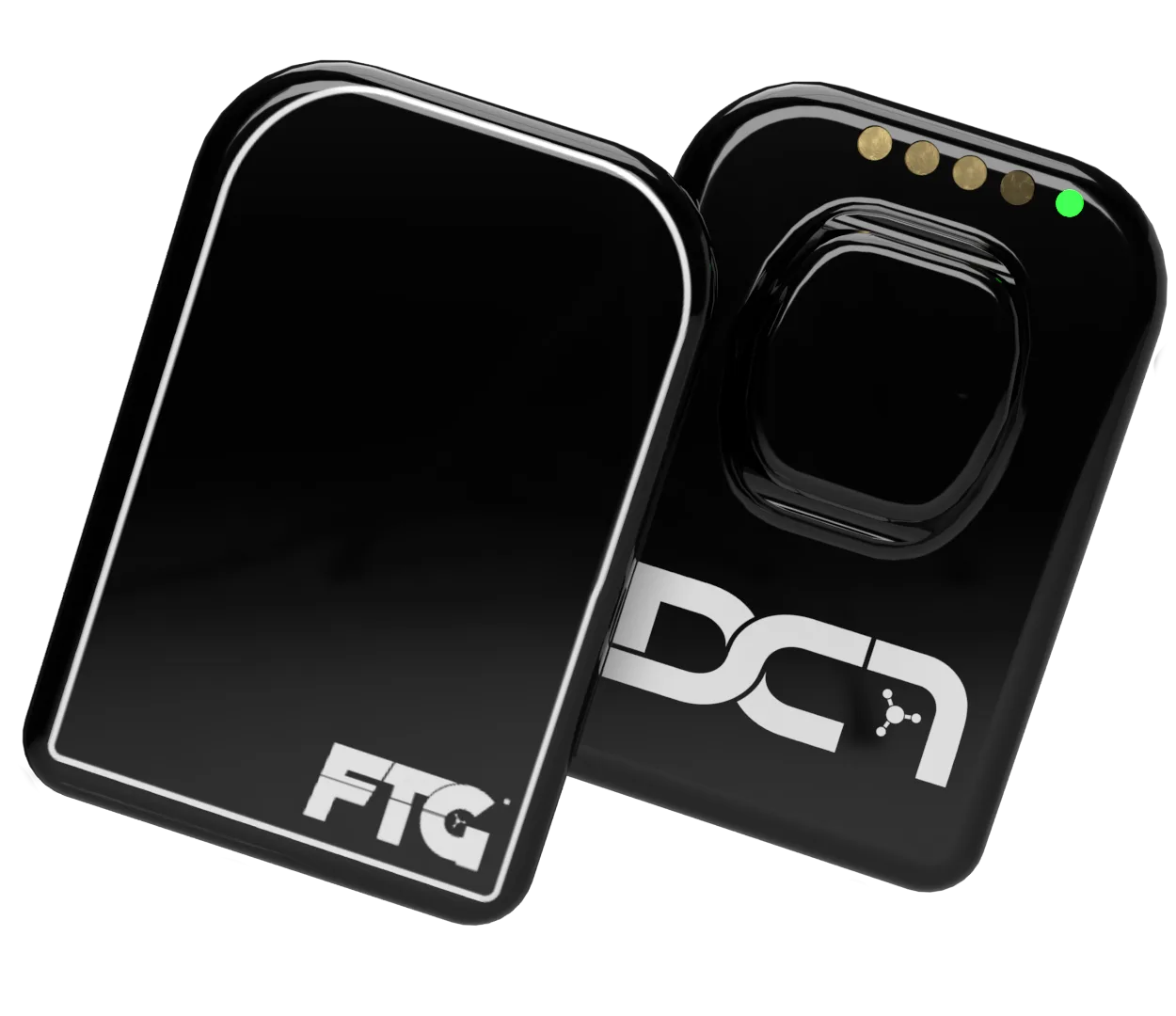
Our latest video has some fun with an objection that still comes up when practices consider wireless sensors. It also raises a fair question: what would actually make DC-Air a better sensor for your practice?
The answer starts with the cable, but it goes further. DC-Air captures X-rays differently, keeps the latest image in onboard memory, and offers protection against accidents that a defect warranty often leaves out.
Myth 1: Wired is more reliable
Anyone who’s dealt with an intermittent sensor cable knows how frustrating it can be. The sensor works, then it doesn’t. Someone changes the angle of the cable or tries another USB port, and the appointment slows down while the team figures out what happened.
A cord is another part that has to survive daily use. It gets bent during positioning, pulled between rooms, coiled for storage, and connected and disconnected. The conductors, strain relief, connectors and computer port can all wear. A wired-sensor manufacturer’s care guide identifies cable damage as the most common reason its sensors fail. USB-IF’s connector specifications also include mechanical durability tests. A physical connection has a wear limit, even when it feels reassuringly familiar.
DC-Air removes the cable from the sensor. The dock connects to the computer by USB, but that cable stays at the workstation. It doesn’t follow the sensor into the patient’s mouth or get flexed with each adjustment.
That makes positioning easier, too. You’re no longer working against a cord that adds bulk and pulls on the sensor while you’re trying to keep it seated. In Dental Advisor’s evaluation, six clinicians used DC-Air 274 times and gave it a 91% clinical rating, with positive feedback about wireless use and its construction.
The last image stays with the sensor
There’s another reliability feature that deserves more attention: DC-Air has 4 MB of onboard memory, enough to hold one complete image. The most recent capture stays in the sensor for recovery, so a transfer problem doesn’t automatically mean the patient needs another exposure. FTG’s specifications list the memory capacity and automatic X-ray triggering.
This also helps with a very ordinary mistake: taking the first exposure before opening the capture program. If the sensor was awake and ready and captured the image, the team can open the software and recover it with Download Last Image. The DC-Air TWAIN manual, page 29, describes retrieving that image directly from sensor memory.
The buffer holds the latest image. Recover and save it before taking the next exposure. That gives the team a way to keep the image the patient has already been exposed for, even when the software workflow didn’t go as planned.
Myth 2: Other sensors capture the same detail
Conventional scintillator sensors turn X-rays into visible light, then turn that light into an electrical signal. As the light travels through the detector, it can spread and blur fine detail.
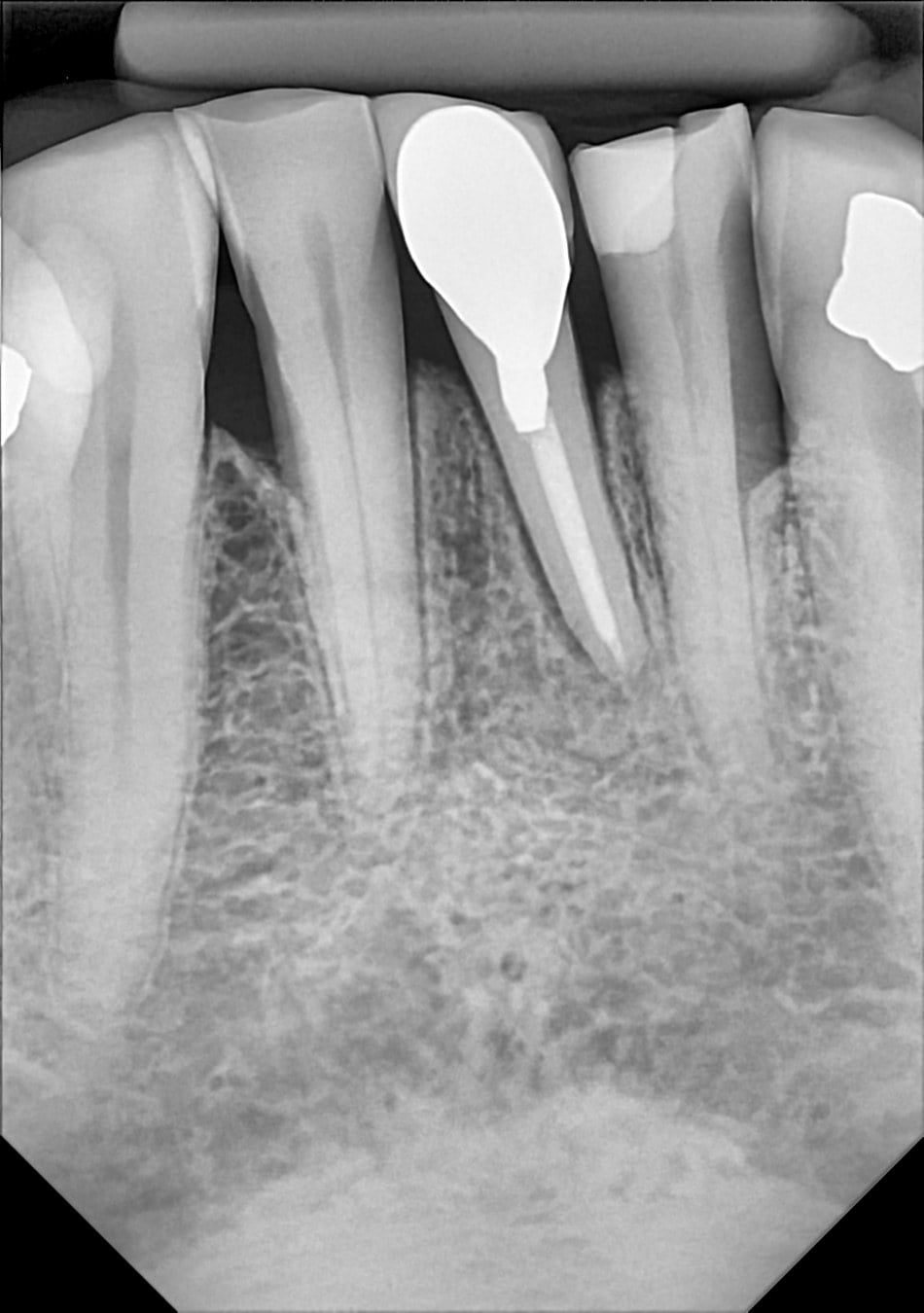
DC-Air’s single-crystal silicon detector converts X-ray energy directly into electrical charge. It has no scintillator or fiber-optic plate. That difference affects what the sensor records before software sharpens or adjusts the image. FTG explains the detector design here.
What MTF tells you
Think of a set of alternating light and dark lines. When they’re far apart, almost any imaging system can show them. As they get closer together, a system that blurs detail starts turning them into gray.
MTF measures how much of that light-to-dark contrast survives. Line pairs per millimeter describe how closely the lines are spaced; the MTF percentage tells you how well the sensor keeps them distinct.
That’s why MTF is more useful than a pixel count or a single maximum-resolution number. Two sensors can advertise similar resolution while preserving quite different amounts of contrast in small details. For a dentist, those distinctions matter when looking at neighboring structures in teeth and bone.
An MTF of 70% means 70% of the original contrast is retained at that detail size. Exposure, noise, processing and positioning still affect diagnostic image accuracy, but MTF gives you an objective way to compare detail preservation.
The numbers behind the difference
Athlos’s FDA-hosted DC-Air summary, Table 6-1, reports:
| Detail frequency | DC-Air | Wired scintillator sensor in the comparison |
|---|---|---|
| 2 line pairs/mm | 85% | 60% |
| 5 line pairs/mm | Greater than 70% | 30-45% |
| 10 line pairs/mm | Greater than 40% | 8-25% |

At 5 and 10 line pairs per millimeter, DC-Air preserves substantially more contrast in this comparison. The sensors are keeping different amounts of information about the same size of detail.
Konstantinos Spartiotis, Ph.D., Athlos’s CEO, also put together this MTF comparison sheet using published manufacturer records and research. DC-Air’s curve stays above the comparison curves through much of the plotted range. The source tests used different conditions, so read the sheet alongside the identified test methods and native images.
When you’re comparing sensors, ask to see images before sharpening, along with the MTF data. Our direct-conversion article explains what to look for.
Myth 3: A shorter exposure means a better sensor
DC-Air can need a longer exposure than a wired scintillator sensor on the same handheld X-ray unit. We should say that plainly.
The mistake is judging the sensor by the timer alone. You also need to look at the detail it captures and the actual dose involved.
Athlos’s exposure white paper compares settings on the same source, with output and geometry held constant. Moving from 0.16 to 0.20 seconds increases tube output by 25%. Moving from 0.10 to 0.25 seconds makes it 2.5 times as much. Those percentages describe output; they don’t tell you the patient’s effective dose on their own.
For scale, the IAEA reports typical intraoral effective doses of 1-8 microsieverts per procedure. The white paper then works through an example of 200 indicated images over a lifetime. With its stated dose assumptions, using 0.25 seconds instead of 0.10 seconds adds 0.24 millisieverts across all 200 images, equivalent in magnitude to about 36.5 days of natural background radiation.
That’s an illustration with explicit assumptions. Your settings still need to suit the patient, projection and X-ray unit. The aim is the lowest exposure that supplies the diagnostic information needed. DC-Air’s high MTF and cordless positioning belong in that comparison alongside exposure time.
Myth 4: DC-Air is too expensive
The DC-Air Complete Kit is $6,995, including installation, software integration, team training, support and a two-year manufacturer warranty.
There is also the No Cord. No Worries. option: $5,495 for the sensor kit plus $99 per month for a required 24 months. The combined commitment is $7,871 before tax and applicable claim charges. That monthly plan includes loss-and-damage protection and WatchDog, which we’ll come to below. See the current kit options.
The plan’s monthly bill is $99. But that isn’t the whole comparison, because choosing the plan also lowers your kit price by $1,500.
| The first 24 months, per sensor | Amount |
|---|---|
| Complete kit without a plan commitment | $6,995 |
| Kit with No Cord. No Worries. | $5,495 |
| Required plan payments: $99 × 24 | $2,376 |
| Kit and plan combined | $7,871 |
| Added cost compared with the $6,995 complete kit | $876 |
Divide that $876 difference by 24 months and the plan adds the equivalent of $36.50 per month over those first two years, after the upfront kit savings. That’s the useful number when you’re deciding whether to add the protection. It isn’t a $36.50 monthly bill: FTG bills $99 per month per sensor, and tax and applicable claim charges are separate. Monthly billing continues after the initial term unless you discontinue coverage with FTG.
Now compare what happens after an accident. A manufacturer’s defect warranty and a loss-and-damage plan cover different situations. A dropped sensor or a sensor that goes missing can leave you paying for a replacement even while the defect warranty is still active. No Cord. No Worries. provides an agreed replacement path, with an $850 deductible for the first approved claim in each 12-month claim period. Second and third claims are $2,999 each, with a maximum of three claims per sensor in that period. Exclusions and full enrollment terms apply.
For a corded sensor, ask for that same information in writing: what happens after accidental damage or loss, what a cable repair costs, whether a loaner is available, and how long your room may be without a working sensor. A lower purchase price can disappear into one uncovered replacement. Your actual repair history and coverage make a better comparison than a guessed failure rate.
The return also includes what you get to work with every day: preserved detail, easier positioning, image recovery and support when something goes wrong. Our earlier MTF and ROI article looks at the diagnostic value of detail; The Cheapest Sensor Can Be the Most Expensive covers repairs and replacement costs. You can put your own numbers into the ownership-cost calculator.
What happens if the sensor gets dropped or lost?
A defect warranty often leaves the practice paying for accidental damage or loss. No Cord. No Worries. includes FTG comprehensive loss-and-damage protection, along with support, maintenance and recalibration. Standard terms include an $850 deductible for the first approved claim per 12-month claim period and loaner sensors subject to availability. Eligibility, exclusions and additional claim charges are covered in the full plan details.
WatchDog is included, too. Your team can see live sensor and operatory status, battery information and connection alerts. Find My Sensor shows the last-known room or connection, giving you somewhere to start looking when a sensor is missing.
These are useful things to ask about when you compare sensors: how do you recover a missing image, what happens after an accident, and how does the team keep track of the equipment?
If you’re considering DC-Air, let us show you the native images, the positioning workflow and the last-image recovery feature. We’ll confirm compatibility with your software and walk through both purchase options and the protection terms. Bring your current sensor and replacement costs into that conversation, and we’ll help you make a comparison that fits your practice.
Get a DC-Air quote for your practice
Tell us about your rooms and imaging software. We'll confirm compatibility, compare the two kit options and include any eligible sensor trade-in in your quote.
Requesting a quote does not enroll you in a plan or commit you to a purchase.